Microsoft is giving Copilot a broader job. Its redesigned app brings together three ways to work with AI: Home helps you find and create work, Code turns a description into a working tool, and Autopilot takes on tasks that continue over time. Together, they move Copilot beyond answering a prompt and toward helping people manage projects from start to finish.
The distinction matters because each capability asks you to hand over a different amount of control. Asking for a summary is one thing. Sharing an AI-built app with colleagues or letting an agent follow up with people on your behalf calls for a closer look at what it can access, what it produces, and what it does next.
Home: The Starting Point
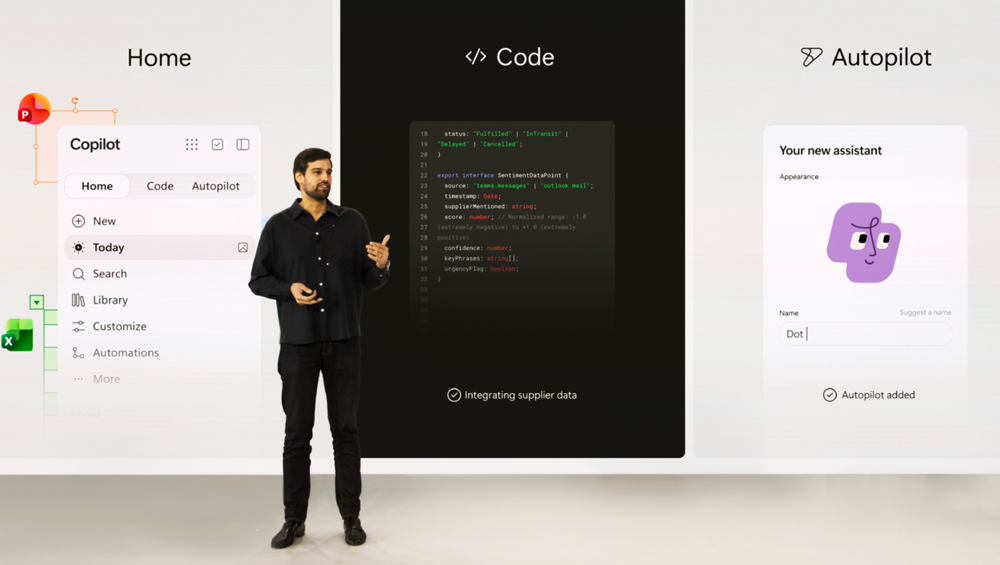
Home combines Copilot Chat and Cowork in one place. Chat handles quick questions, summaries and drafts. Cowork is designed for larger assignments that involve several steps, such as preparing a customer briefing or assembling a launch package. Home also brings Word, Excel and PowerPoint into the Copilot experience, so a request can produce an editable document, workbook or presentation that a team can continue working on.
Its practical appeal is continuity. You can review recent activity, pick up a file where you left off and refine the result alongside your conversation with Copilot. Microsoft has also announced a Today view that would bring important messages, meetings and tasks into a personalized dashboard, but that feature is scheduled for a separate private preview.
Home still needs an editor. A polished briefing can misread a meeting decision; a convincing spreadsheet can start from the wrong assumption. Before a document goes to a client or a budget informs a decision, someone should check the underlying facts, figures and intent. Copilot can speed up the first pass, while the person responsible for the work makes the final call.
Code: Build a Tool by Describing It
Code is for people who need a small piece of software but do not want to begin with a blank development project. Describe a tracker, dashboard, workflow or internal app in ordinary language, and Copilot can build a solution. Microsoft says it uses the same underlying technology as GitHub Copilot, with a sandboxed environment for running what it creates. The company is also previewing a managed runtime intended to let organizations host and govern these tools within Microsoft 365.
That could make everyday fixes easier. A team might build a dashboard for exploring project data or an internal app that replaces a repetitive spreadsheet process. But an app that opens and displays data is not automatically an app that handles permissions, calculations and edge cases correctly. Before sharing one widely, its owner should test realistic inputs, check who can see or change its data, and have a developer review anything consequential. The faster it becomes to create software, the more valuable that review becomes.
Autopilot: Work That Keeps Moving
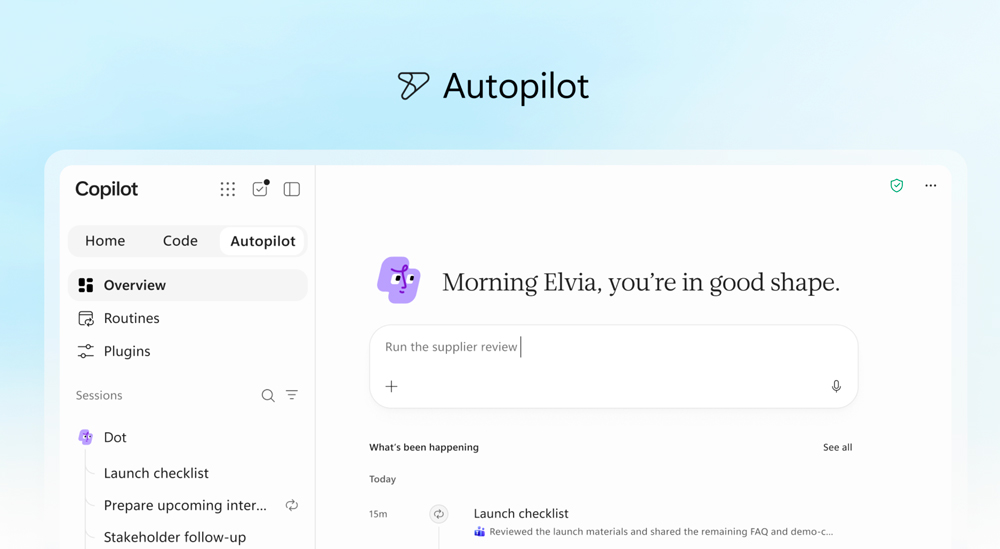
Autopilot is Microsoft’s new name for the agent previously called Scout. Give it a role and an objective, and it is designed to keep working without a fresh prompt for every step. Microsoft describes tasks such as monitoring channels, following up on threads and managing recurring work. Unlike a chat session that waits for you to return, Autopilot runs in the cloud and can continue while you are away.
For a business, the example is a supplier review: Autopilot could organize the schedule, prepare meetings, request updates and track follow-ups. Microsoft says the agent has its own identity and workspace within an organization’s environment, with permissions and audit controls. Those controls matter because Autopilot may act in places where colleagues encounter it as part of their normal work.
The human job here begins before the agent starts. Someone must set a clear objective, limit access to what the task requires and decide which actions need approval. People should also review its activity, especially when it contacts others, uses sensitive information or moves a project toward a decision. A persistent agent can save time, but an unclear instruction can persist too.
What’s Available Now?
Microsoft announced Home and Code for a phased rollout through its Frontier program, while Autopilot is set to expand into private preview at the end of September. That means the three capabilities should not be treated as features already available to every Copilot user. Microsoft has also said that some advanced work in Cowork, Code and Autopilot will use usage-based billing, giving organizations another reason to set boundaries before scaling them up.
Final Byte
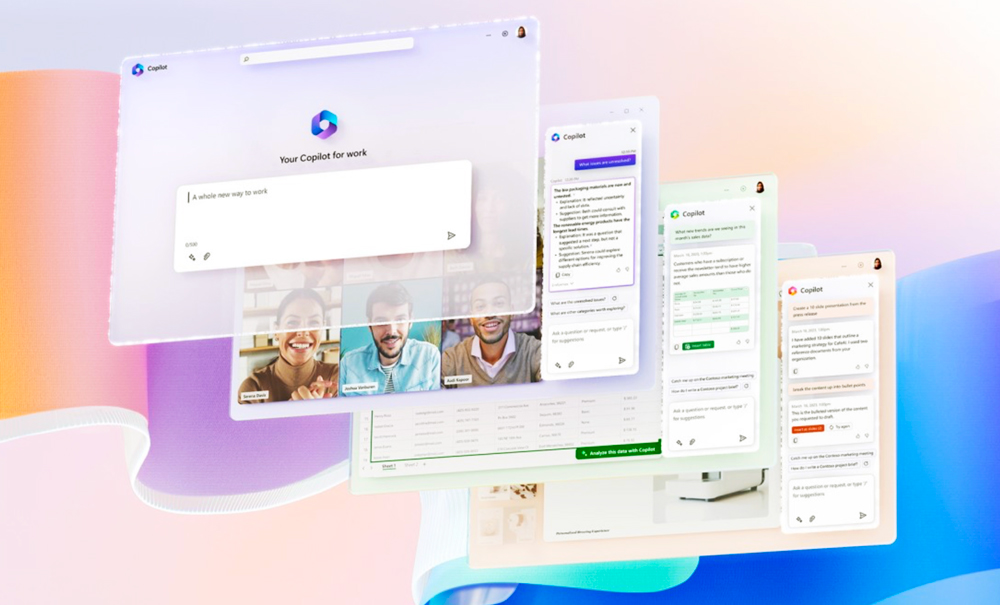
Microsoft’s new Copilot puts three distinct kinds of work in one place: Home helps people gather information and create files, Code helps them build tools, and Autopilot keeps assigned tasks moving over time. The biggest change is the move from AI that responds to a request toward AI that can produce software and take actions across a workplace.
That makes oversight more specific, too. Teams need to verify Home’s facts and figures, test Code’s output before relying on it, and set firm permissions and review points for Autopilot. As the rollout continues, the real measure of success will be whether Copilot saves time while leaving people able to understand, correct and take responsibility for what it does.