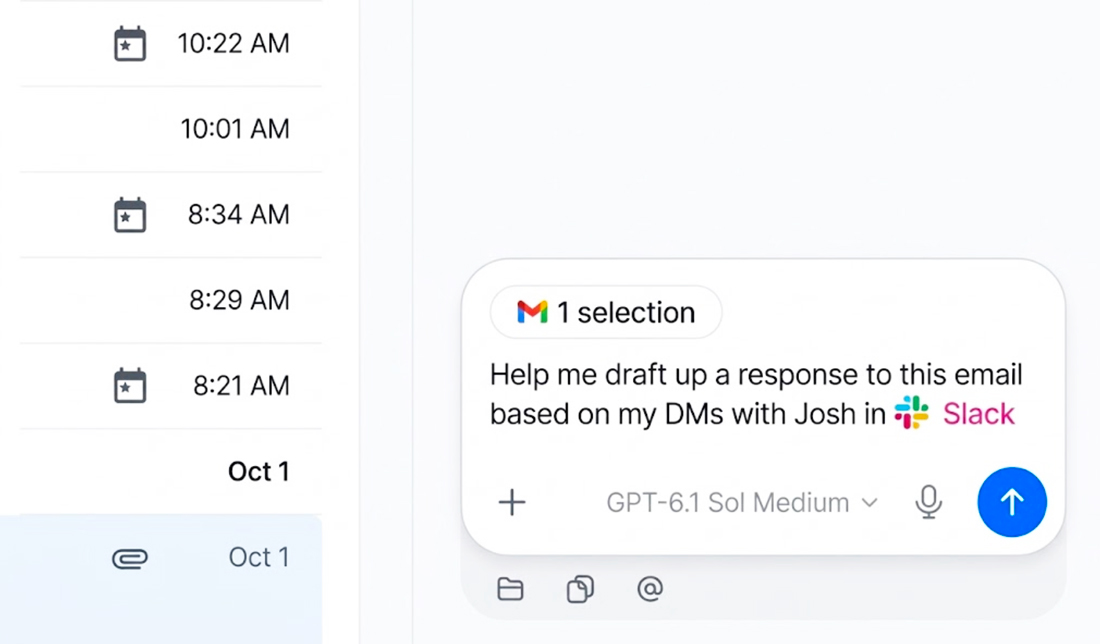
ChatGPT is moving closer to the browser most people already use. With OpenAI’s Chrome extension installed, users can bring open tabs into a ChatGPT conversation as context. The idea is simple: ask for a comparison of several products, summarize research spread across pages, or use selected text from a site without copying and pasting it into a separate chat.
That small change could make browsing feel less fragmented. It also gives ChatGPT access to a richer slice of a person’s online activity, making privacy and user control central to whether the feature feels useful or intrusive.
From Single Pages to a Browser Session
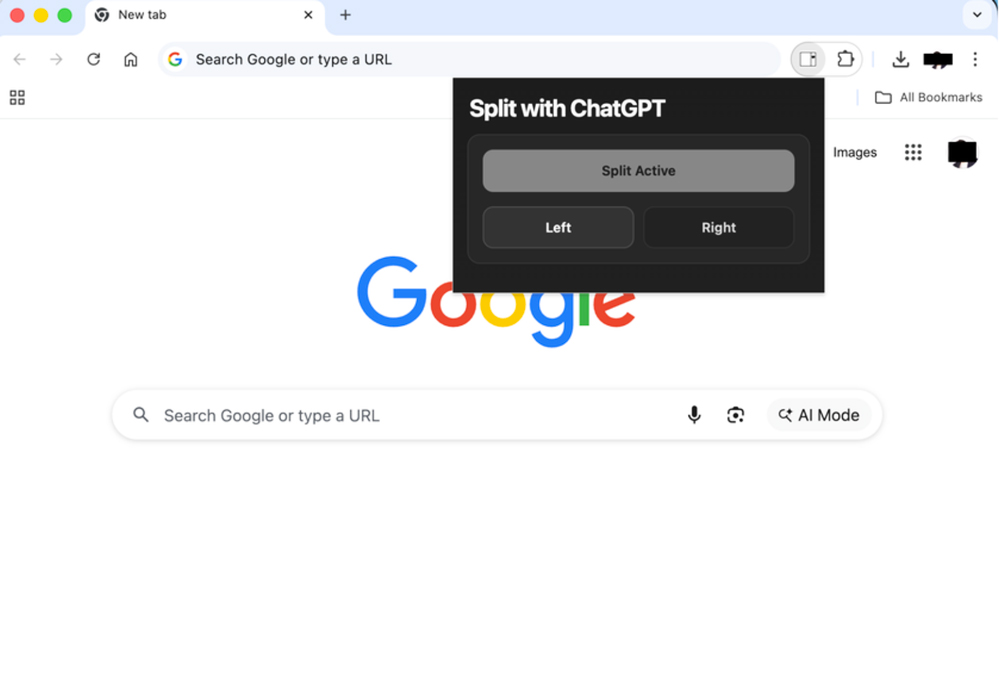
ChatGPT has already been able to help with individual pages through its browser extension. The newer tab-aware workflow expands that idea: a user can reference open Chrome tabs in the ChatGPT desktop or web app, while the updated side panel brings chats and conversation history alongside the page being viewed. Availability may vary with rollout and workspace settings.
OpenAI’s examples point to practical tasks: compare contractors across several sites, pull vendor prices and features into a comparison, or use information from an event brief to fill out a registration form. In the side panel, users can also ask about a page, bring selected text into a chat, or ask questions about a YouTube video when captions are available.
The appeal is not simply that ChatGPT can read more. It is that the user may not need to reconstruct the research for it. A shopping decision often involves prices, specifications and return policies spread across separate pages. A work task can involve a brief in one tab and a form in another. When the assistant can use that context together, it may reduce the tedious steps between gathering information and acting on it.
A More Useful Research Companion
Tab awareness could help with the part of research that comes after finding sources: comparing them. ChatGPT can be asked to organize details across pages, surface differences, or identify questions that remain unanswered. For someone managing a crowded browser window, it could also help turn a pile of tabs into a more coherent summary.
That convenience still depends on the quality of the pages and the model’s interpretation. A polished comparison can hide missing information, mismatched assumptions or details that have changed. A product page may describe a different model or region; a service provider may leave key terms out of its marketing. ChatGPT can help organize what is visible, but the original pages remain the place to verify important claims.
There is another limitation: context is not the same as judgment. The assistant may bring several pages together, but users still need to decide which sources deserve trust and whether the comparison uses the right criteria. For purchases, health questions or workplace decisions, its output should be a starting point for checking the underlying information.
Privacy and Permission
Giving an assistant access to browser context raises a more personal question than asking it to summarize a public article. Open tabs can reveal work projects, private accounts, health research, travel plans or other sensitive interests. The wider the context, the more important it becomes to know what ChatGPT can access and when.
OpenAI’s documentation says users can mention tabs or selected text when they want to bring that material into a task. Its browser controls also include permission prompts, website allowlists and blocklists, along with a separate approval step when ChatGPT wants to use browser history. Information ChatGPT reads or uses can become part of the conversation context and is then subject to ChatGPT’s data controls. OpenAI says the extension does not keep a separate complete record of browser actions, but page text, screenshots, tool calls and other material included in a chat may be stored as chat data.
The extension’s requested permissions deserve a careful read. OpenAI’s setup documentation lists permissions that may include reading and changing data on websites, accessing browsing history, bookmarks and downloads, and managing tabs. Those capabilities support browser workflows, while ChatGPT’s own prompts and settings govern whether it uses a site or Google history in a task. Users should review those controls and avoid bringing confidential information into a chat unless it is needed.
The User Still Needs the Last Word
A browser-aware assistant can do more than answer questions. OpenAI describes workflows that can interact with websites, including filling out forms, sending messages and downloading files. That makes confirmation especially valuable. A draft or completed form can be reviewed; a submitted form or sent message may be harder to take back.
For that reason, the most comfortable version of tab-aware AI is one where the user chooses which pages to share, sees what the assistant plans to do and approves consequential actions. The assistant should also treat page content cautiously: a webpage can contain inaccurate or manipulative instructions, and material found on a page should not automatically be treated as a trustworthy command.
Final Byte
ChatGPT’s move into Chrome brings AI closer to the research and errands people already do online. Comparing tabs and carrying context into a side chat could save time, especially when information is scattered across several pages.
The feature’s value will depend on how clearly it handles permission, how reliably it represents the pages it reads and how often it pauses for review before acting. Tab-aware AI can make browsing feel more connected, but a useful assistant should keep the person in control of what it sees and what it does.