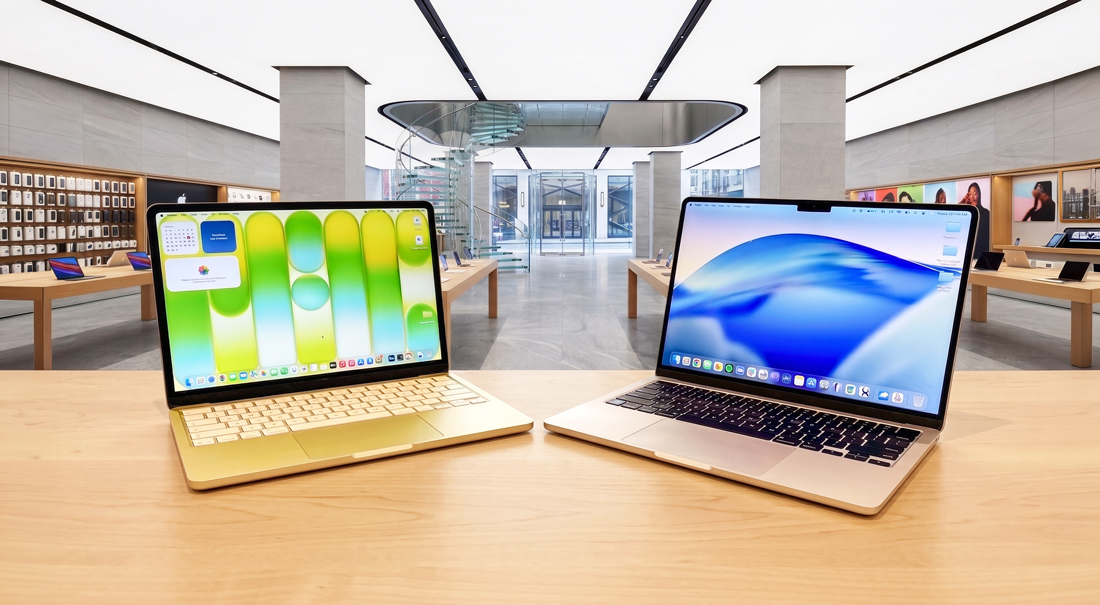
Apple’s laptop range now begins with two machines that look surprisingly similar but are built around very different ideas. The MacBook Neo is designed to deliver the essential Mac experience at a far lower price, while the MacBook Air M5 offers enough performance and flexibility to handle considerably more demanding work.
Both run macOS, support Apple Intelligence, integrate closely with the iPhone and weigh just 2.7 pounds in their 13-inch forms. That makes the decision more complicated than choosing between a cheap plastic laptop and a premium one. The real question is whether you need a computer for what you do today or enough headroom for what you may ask it to do tomorrow.
The Price Gap Is Substantial
As of August 2026, Apple’s US pricing starts at $699 for the MacBook Neo and $1,299 for the 13-inch MacBook Air M5. The Neo includes 8GB of unified memory and 256GB of storage, while the Air starts with 16GB of memory and a 512GB SSD.
Apple also offers a 512GB Neo with Touch ID for $799. That is probably the more practical Neo configuration for anyone planning to keep the laptop for several years, but it also narrows the price gap with the Air. Regional pricing varies, although the basic structure remains the same: Neo is the affordable entry point, while Air charges considerably more for memory, processing power and premium hardware.
A18 Pro vs. M5
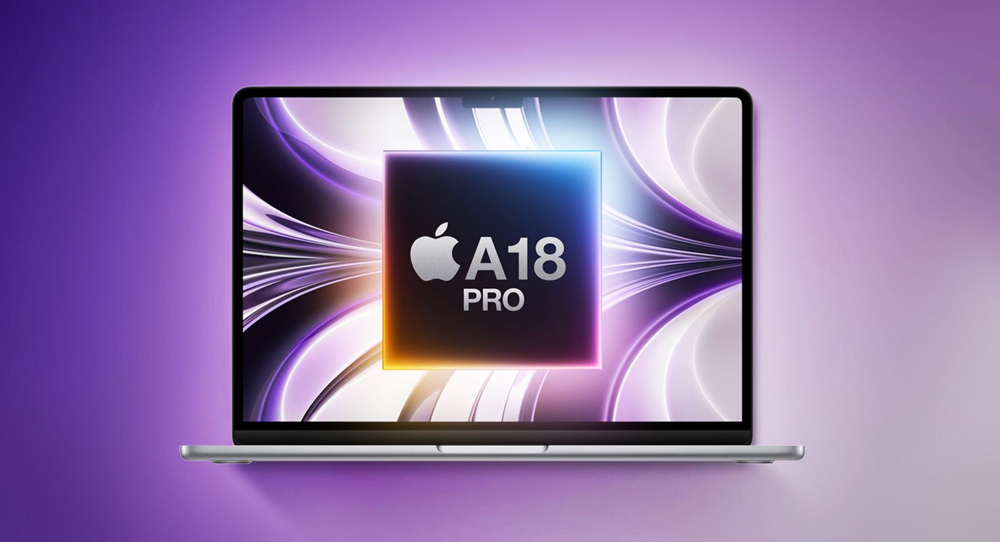
The MacBook Neo uses Apple’s A18 Pro, a compact chip with a six-core CPU, five-core GPU and 60GB/s of memory bandwidth. It is more than capable of handling web browsing, email, Microsoft Office, streaming, video calls, presentations, basic photo editing and casual games. It is also fanless, so it operates silently.
The MacBook Air uses the more powerful M5 with a 10-core CPU, either an eight- or 10-core GPU and 153GB/s of memory bandwidth. That additional capacity becomes noticeable when editing large photo libraries, exporting video, compiling code, running local AI tools, working with complex spreadsheets or keeping many demanding applications open together.
Simple tasks will feel responsive on both machines. Opening Safari does not require a small nuclear reactor, regardless of what the upgrade menu may suggest. The difference emerges when several demanding tasks overlap or when a workload continues for more than a few minutes. The Neo is fast within its intended lane; the Air gives that lane several more exits.
Memory May Matter More Than the Processor
The most important limitation of the MacBook Neo is not necessarily its A18 Pro chip. It is the fixed 8GB of unified memory. That remains sufficient for lighter workloads, but it provides considerably less breathing room when browser tabs, communication apps, cloud services and creative software are all competing for space.
The MacBook Air starts with 16GB and can be configured with 24GB or 32GB. That makes it better suited to professional multitasking, larger creative projects, software development, local AI models and applications whose memory demands are likely to grow.
Neither laptop allows its memory or internal storage to be upgraded after purchase. Cloud storage and external drives can compensate for a small SSD, but they cannot add more unified memory. If your current computer regularly has several large applications open at once, the Air is the safer choice.
Similar Displays With Important Differences
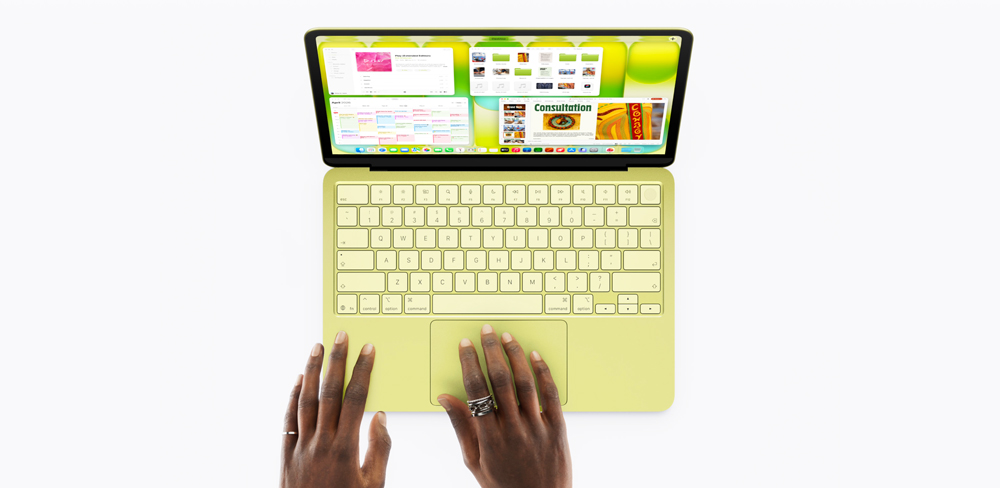
The Neo has a 13-inch Liquid Retina display with a resolution of 2408 by 1506, support for one billion colours and 500 nits of brightness. For documents, websites, streaming and everyday photo viewing, it is a sharp and attractive screen.
The 13-inch Air expands the display to 13.6 inches with a 2560-by-1664 resolution. Brightness remains at 500 nits, but the Air adds P3 wide-colour support and True Tone. Those differences make it the better option for photography, design and other work where colour reproduction matters. The Air is also available with a 15.3-inch display, while Neo is limited to one 13-inch size.
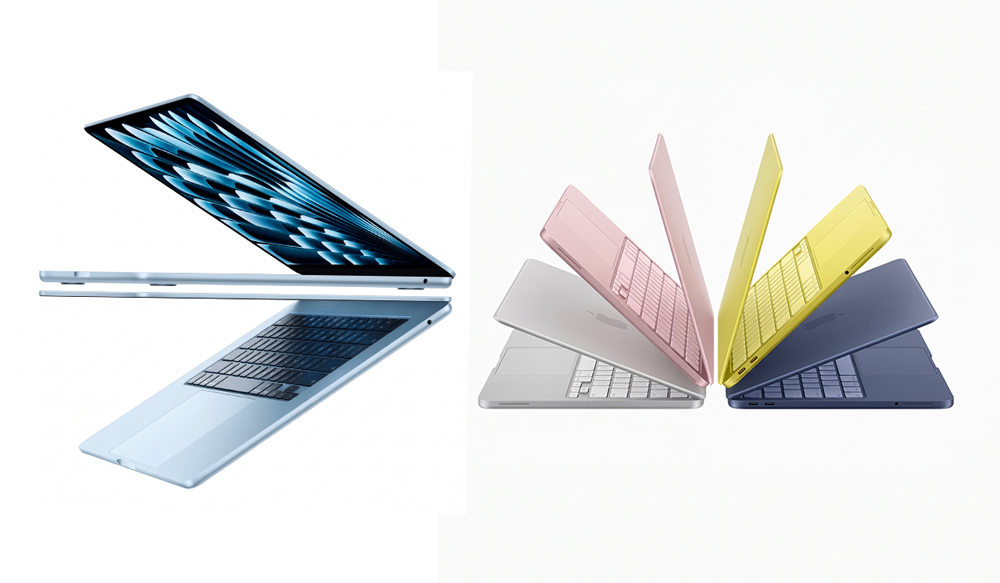
Both 13-inch machines weigh 2.7 pounds, although the Air is slightly thinner at 0.44 inch compared with the Neo’s 0.50 inch. The Neo counters with the more playful blush, citrus, indigo and silver finishes. The Air stays more restrained with sky blue, midnight, starlight and silver.
Camera, Audio and Everyday Refinements
The Neo includes a 1080p FaceTime HD camera, dual microphones and two side-firing speakers with Spatial Audio support. That is a respectable package for online classes, family calls and occasional remote meetings.
The Air upgrades to a 12-megapixel Center Stage camera with Desk View, a three-microphone array and a four-speaker sound system. It also provides a backlit Magic Keyboard, standard Touch ID and a pressure-sensitive Force Touch trackpad. The base Neo uses a Lock Key instead of Touch ID, although biometric authentication is included with its higher-storage model.
Wireless connectivity follows the same pattern. Neo supports Wi-Fi 6E and Bluetooth 6, while the Air uses Apple’s N1 wireless chip for Wi-Fi 7, Bluetooth 6 and Thread. Wi-Fi 6E remains fast enough for most homes and schools, but the Air is better prepared for newer networking equipment.
Ports Reveal the Neo’s Budget Position
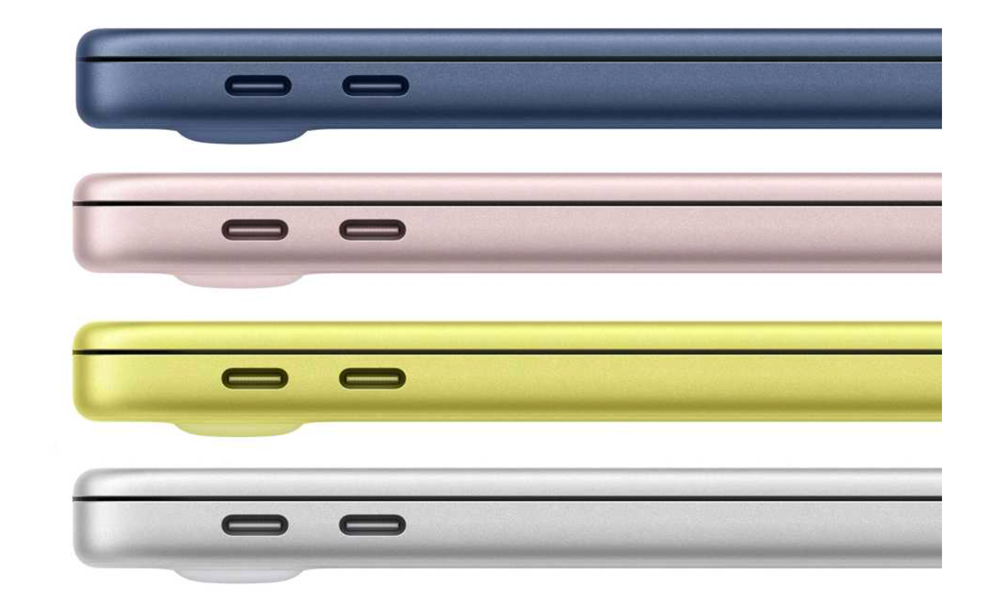
The Neo includes two USB-C connections, but they are not equal. One supports USB 3 speeds up to 10Gb/s and can connect a display, while the other is limited to USB 2 speeds of 480Mb/s. Both can charge the laptop, and there is also a headphone jack. It can drive one external display at up to 4K and 60Hz.
The Air has MagSafe 3 for dedicated charging and two Thunderbolt 4 ports capable of transfers up to 40Gb/s. It can support two external displays at up to 6K and 60Hz or one display at up to 8K and 60Hz, depending on the setup.
For someone who primarily uses the laptop by itself, the Neo’s limitations may rarely matter. For a desk setup involving fast storage, a dock, multiple monitors or several accessories, the Air is far more adaptable. The Neo has ports; the Air has a connectivity strategy.
Battery Life Favours the Air
Apple rates the Neo for up to 16 hours of video streaming or 11 hours of wireless web use. The Air reaches up to 18 hours of streaming and 15 hours of wireless web use. Real-world battery life will vary with brightness, applications and workload, but both are capable of lasting through a normal day.
The Air also supports fast charging with a sufficiently powerful USB-C power source and includes MagSafe, which keeps its Thunderbolt ports available while charging. Neo uses USB-C charging and ships with a more modest 20W adapter.
Who Should Choose the MacBook Neo?
The Neo makes the most sense for students focused on writing, research and presentations; home users who mainly browse and stream; travellers who want a lightweight secondary computer; and anyone entering the Mac ecosystem without needing professional performance.
It can also handle Canva, basic Photoshop work, light video editing and uncomplicated coding. The limitation is frequency and scale. Editing a short video occasionally is different from producing video every week, just as opening a spreadsheet is different from operating an entire business through several enormous ones.
If your workload is predictable and mostly browser-based, the Neo delivers the important parts of the Mac experience without making you pay for performance that will sit idle.
Who Should Choose the MacBook Air M5?
The Air is the better option for photographers, content creators, software developers, business users, heavy multitaskers and anyone building a workstation around external displays and fast accessories. Its additional memory is particularly valuable for users who intend to keep the machine through several generations of increasingly demanding software.
It is also the safer purchase when you are uncertain about future needs. The extra cost buys more than faster benchmark results: it buys storage, memory, better connectivity, a more capable camera, stronger speakers, longer battery life and fewer situations where the hardware becomes the obstacle.
The Air still is not a replacement for a MacBook Pro when workloads involve continuous 3D rendering, large-scale video production or other sustained professional processing. For most people below that level, however, it is the most balanced MacBook.
Final Byte
Buy the MacBook Neo if your heaviest regular task is writing, browsing, streaming or light creative work. It is a genuine Mac, not a reduced version of macOS, and it provides excellent portability without forcing casual users to buy professional capacity.
Choose the MacBook Air M5 if you regularly create, develop, multitask or connect your laptop to a more elaborate workspace. The Neo gives you enough Mac for today; the Air gives you considerably more room for tomorrow. The smartest purchase is not the fastest machine—it is the least expensive one that will not make you wish you had bought twice.