Apple hides more in iOS than most people ever notice. Beneath the polished surface, your iPhone is packed with clever shortcuts, hidden gestures, and quietly brilliant features that make everyday tasks faster and smoother. These are the small touches Apple doesn’t always advertise—but once you know them, you’ll feel like you’ve unlocked a whole new layer of your device.
Instant Actions You Didn’t Know Existed
Your iPhone loves rewarding curiosity. A surprising number of actions are tucked behind long-presses, swipes, and gestures most people never try. Explore a little, and you quickly realize iOS is designed to shave seconds off everyday tasks and make navigation feel effortless. These tricks aren’t flashy—but they’re incredibly useful once you start using them.
- Long-press icons for hidden options like scanning a document, starting a timer, or jumping straight into selfie mode.
- Three-finger undo/redo with a quick pinch or spread gesture—your notes app will thank you.
- Back Tap lets you map a double-tap on the back of your iPhone to actions like screenshots, flashlight, or launching apps.
Secret Settings That Feel Like Magic
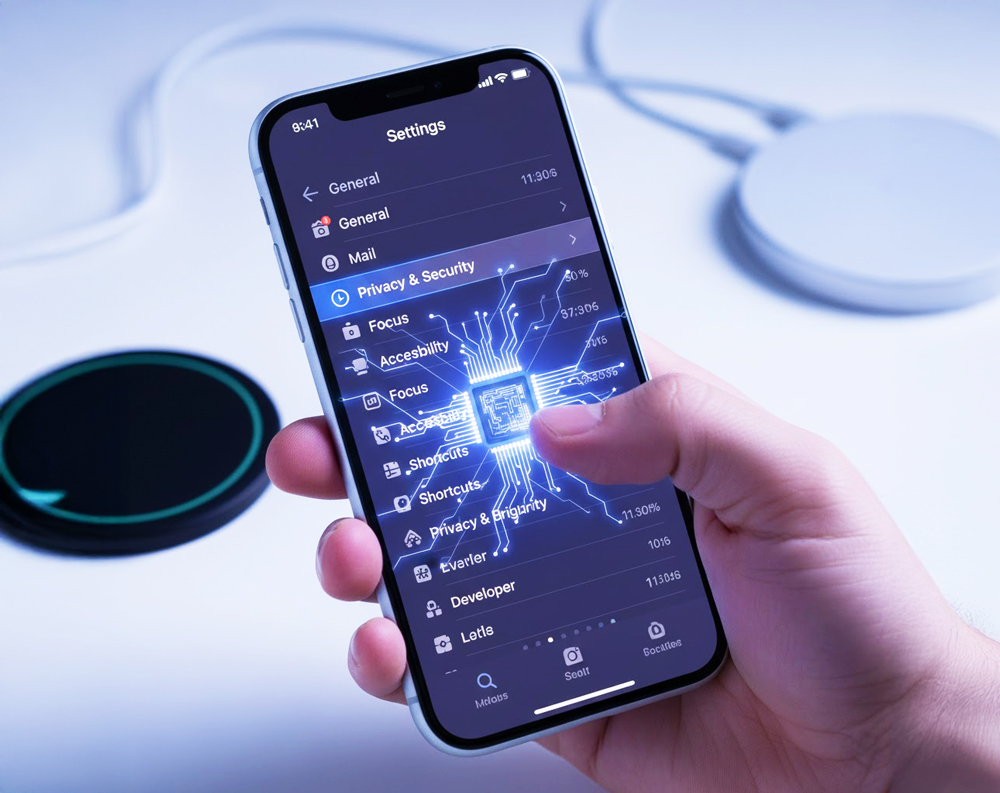
Deep inside Settings, Apple quietly hides some of the most powerful options in iOS. These aren’t just toggles—they’re quality-of-life upgrades that make your phone smarter, more responsive, and more personalized. A few minutes of digging can transform how your iPhone behaves in everyday situations.
- Sound Recognition alerts you to things like doorbells, alarms, or a crying baby—an accessibility feature that’s useful for everyone.
- Hidden Wi-Fi passwords are now just a tap away—open Wi-Fi settings, hit the info button, and view or copy any saved password.
- Per-app haptics let you fine-tune vibration feedback so each app has its own feel.
iMessage Power Tools
Messages isn’t just a texting app—it’s a full-on communication toolkit. Buried behind long-presses and subtle icons are features that make conversations cleaner, smarter, and surprisingly fun. Once you master these, group chats stop feeling like chaos and start feeling… well, manageable.
- Inline replies and mentions make group chats feel less like chaos and more like actual conversations.
- Pin important threads so they don’t get buried under memes.
- Hidden message effects, from laser beams to confetti, add flair—long-press the send button to explore.
Camera Tricks That Make You Look Like a Pro
Most people use only a fraction of what the iPhone camera can actually do. Apple hides powerful shooting aids and shortcuts that make photography easier, faster, and more accurate without needing pro skills. With just a few hidden tools, your everyday photos level up instantly.


- Leveling tool appears automatically to help you get perfectly straight shots.
- QuickTake lets you hold the shutter to instantly start recording video without switching modes.
- Auto-captioning in Live Text allows you to grab text straight from the viewfinder.
Safari Features That Feel Like Mini Superpowers
Safari may look simple, but under the hood it’s packed with features that streamline browsing and keep things organized. Most users never tap into these tools, but once you do, your browsing becomes faster, cleaner, and surprisingly efficient.
- Back-swipe history by long-pressing the back button to see every page you visited.
- Tab Groups let you separate “work mode” from “late-night shoe shopping mode.”
- Built-in QR scanning means you don’t need a separate app—just open the camera or Safari’s URL bar.
The Files App: Surprisingly Mighty
Despite being overlooked, Files is quietly one of the most capable apps on iOS. It turns your iPhone into a pocket-sized workspace, complete with organization tools and features usually found on a laptop. Once you start using it properly, you’ll wonder how you ever ignored it.

- Built-in unzip/zip support means you can handle compressed files instantly.
- Document scanning is crisp enough to shame most office scanners.
- Tags and Favorites help you organize like a pro—yes, even screenshots.
Shortcuts: The Power User Playground
If you ever wanted your iPhone to do the thinking for you, Shortcuts is where that happens. It’s one of the most advanced features in iOS, but surprisingly approachable once you start experimenting. Automations can streamline routines, remove repetitive steps, and give you your time back.
- Automate morning routines with customized workflows.
- Create location-based triggers, like opening Notes when you arrive at work.
- Use voice-activated commands to turn multi-steps into single actions.
Final Byte
Most iPhone users barely scratch the surface of what their device can do. Dip into these tucked-away features and suddenly your phone feels smarter, faster, and almost psychic. Give these hidden gems a try—you’ll wonder how you ever used iOS without them.