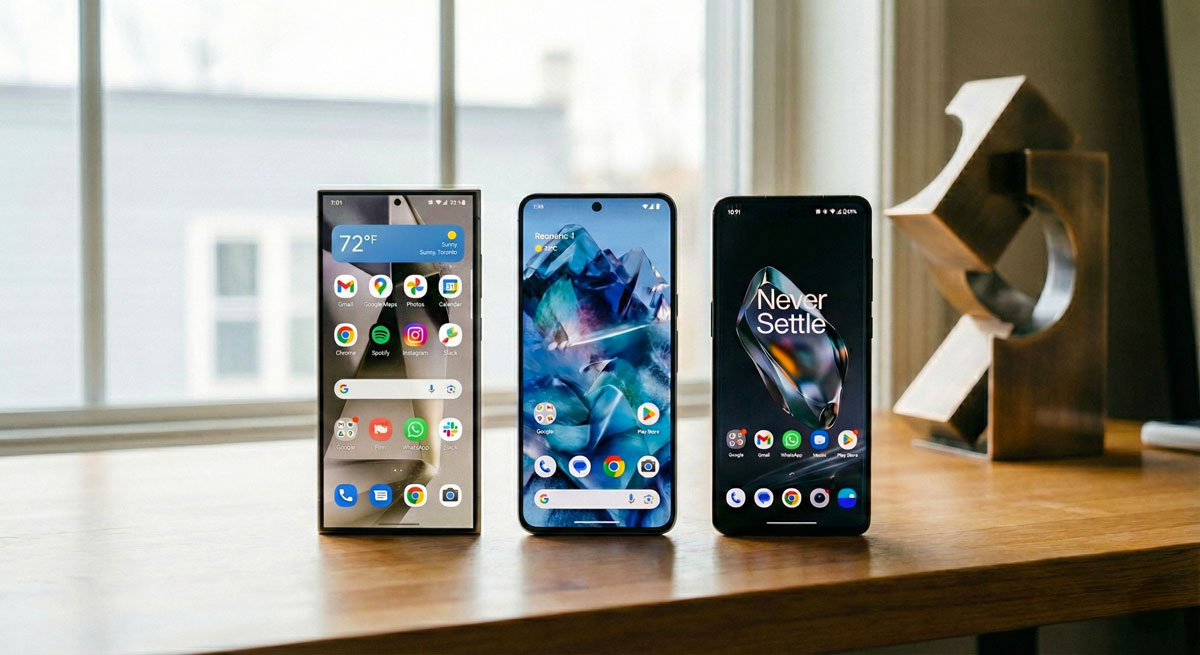
Smartphone software is where personality, polish, and practicality all collide. And while Android gives manufacturers room to experiment, three custom skins consistently steal the spotlight: Samsung’s OneUI, Google’s Pixel UI, and OnePlus’s OxygenOS. Each brings its own flavor—some bold, some minimal, some hyper-tuned for speed. If you’re deciding which ecosystem fits your daily rhythm, here’s a friendly, forward-looking breakdown to help you choose your match.
OneUI: Feature-Rich and Polished
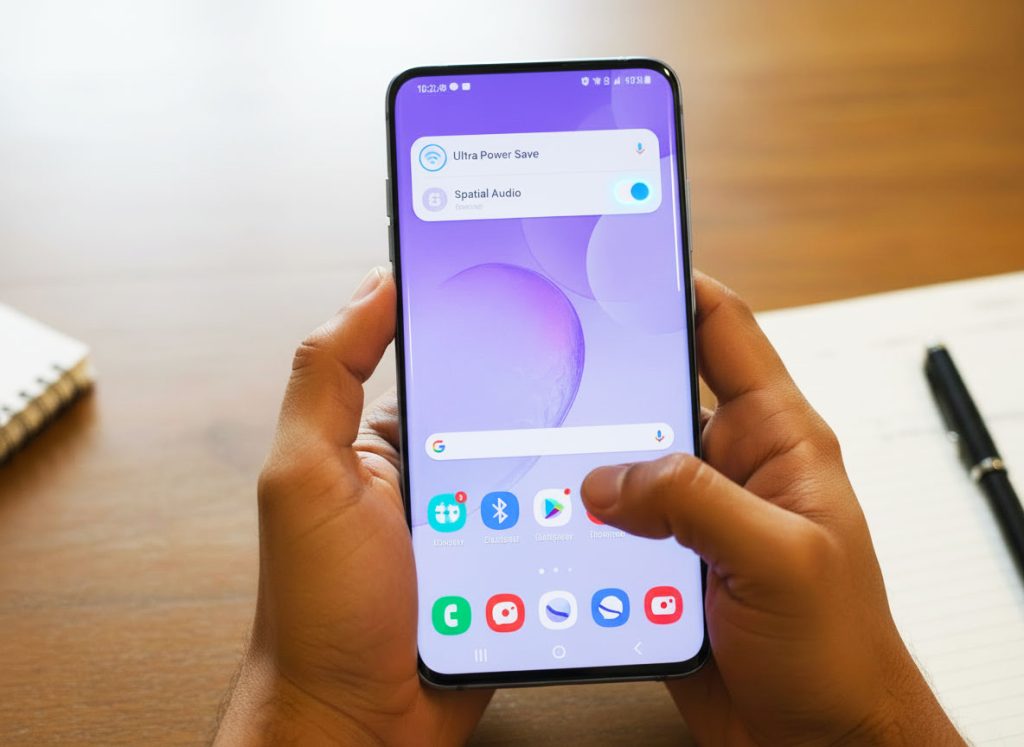
Samsung’s interface is built for power users who like options—lots of them. It’s packed, refined, and designed for big screens, making it ideal if you multitask or love custom features.
Why People Love It
- Thoughtful one-handed design that shifts key UI elements lower
- Deep customization for themes, icons, fonts, and widgets
- Samsung ecosystem perks like Quick Share, DeX, and tight Galaxy wearable integration
- A powerhouse settings menu with advanced controls for just about everything
- Strong focus on privacy and security with Samsung Knox
Where It Can Feel Heavy
- More features = more menus, which some users find overwhelming
- Occasional duplicate apps next to Google’s versions
- Historically slower OS updates (though this has improved dramatically)
Pixel UI: Clean, Fast, and Google-First
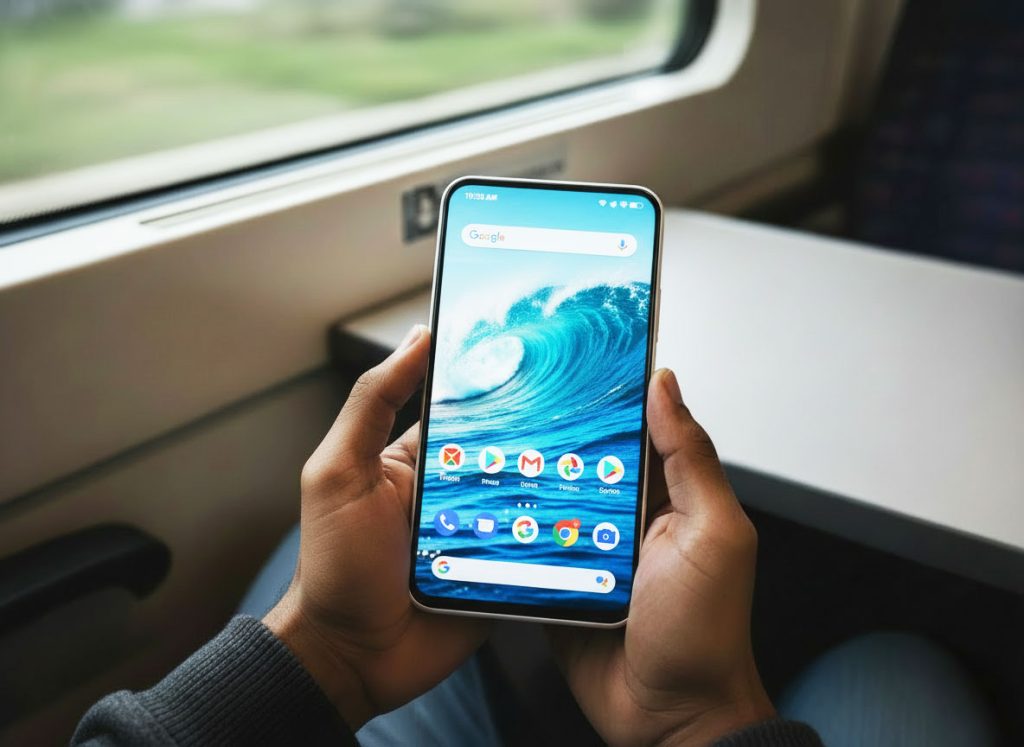
Pixel UI is the minimalist vision of Android—smooth, elegant, and stripped of everything unnecessary. It’s the purist’s pick, and the best choice for users who want the latest Google features the moment they drop.
Why People Love It
- Fast, clean interface with zero clutter
- The absolute fastest Android updates and security patches
- Google’s smartest features—Call Screen, Recorder AI, Now Playing, Magic Editor
- Reliable, predictable performance with minimal background bloat
- Emoji, Material You themes, and playful animations that make the phone feel alive
Where It Feels Limited
- Fewer customization options compared to OneUI and OxygenOS
- Lack of advanced tools and deep-tuning menus
- Some Pixel-exclusive features are still region-restricted
OxygenOS: Speed, Fluidity, and a Close-to-Stock Feel
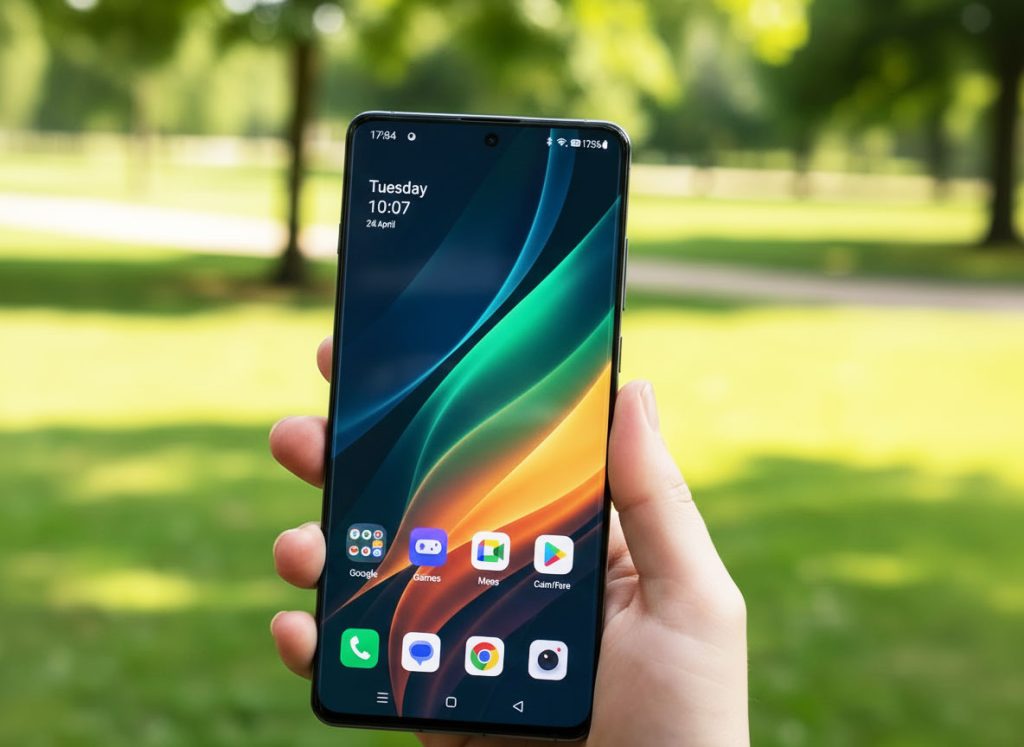
Once adored for being the “fastest Android skin,” OnePlus‘ OxygenOS has evolved into something flashier and more feature-packed, yet still keeps its signature smoothness.
Why People Love It
- Lightning-fast UI performance with consistently fluid animations
- Close-to-stock Android look but with helpful enhancements
- Smart Sidebar, Shelf, and productivity tools
- Strong gaming performance with granular tuning controls
- Reliable battery optimization and snappy app launch speeds
Where It’s Changed
- Some long-time fans feel it’s more ColorOS than classic OxygenOS
- Update policies and rollout timing can vary
- Aesthetics may feel less “pure Android” than Pixel UI
So, Which Is Best for You?
Choose OneUI if you want maximum features, deep customization, and a powerful ecosystem.
Choose Pixel UI if you want simplicity, instant updates, and Google’s smartest tools.
Choose OxygenOS if you want speed, fluidity, and a clean look without losing handy extras.
In short: there’s no loser here—just three very different personalities competing for your thumbs.
Final Byte
Android is at its best when it gives you choice, and these three skins prove just how far that freedom goes. Whether you want sleek minimalism, feature-packed versatility, or pure speed, there’s a perfect UI waiting to fit your tech style.