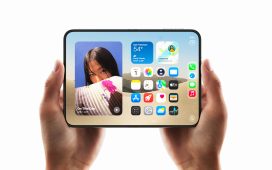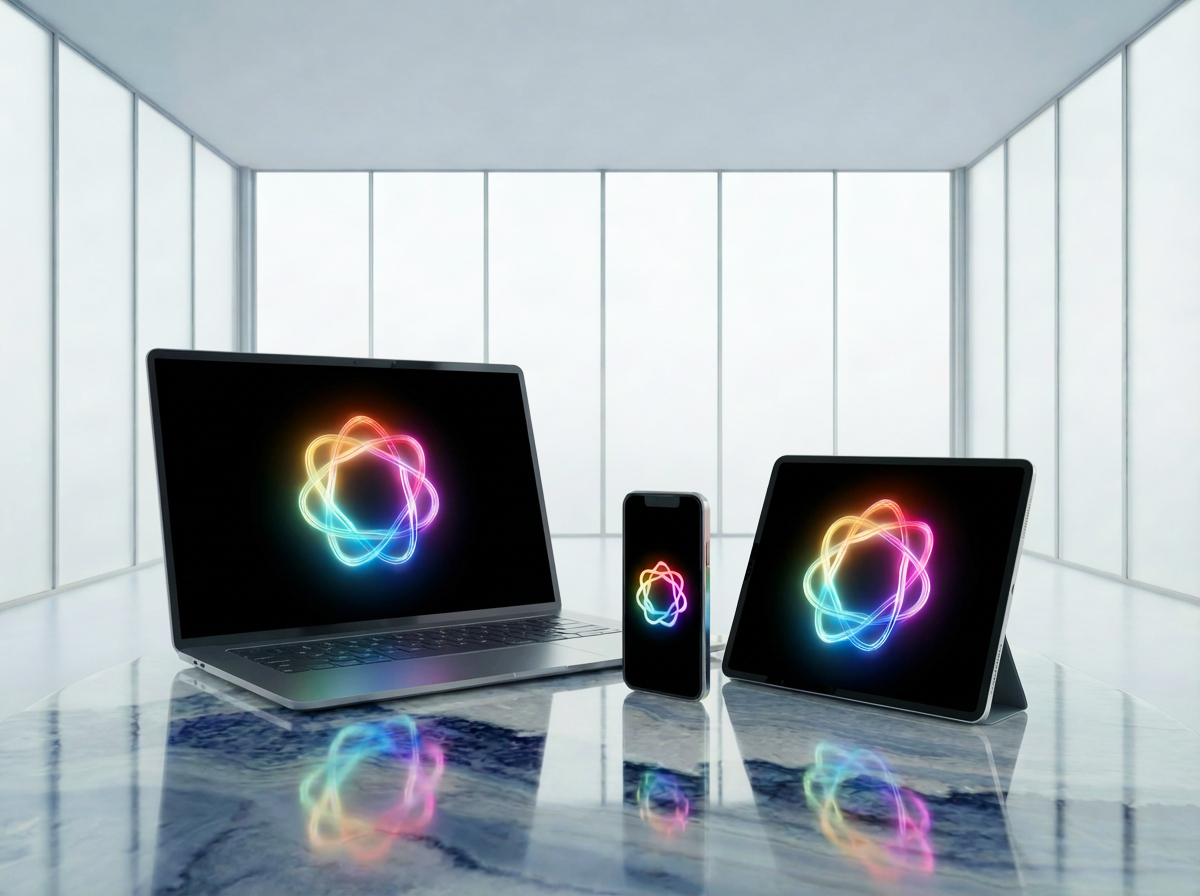
Apple spent most of 2025 quietly turning “AI” into something less hype and more help. The result is Apple Intelligence — a system-wide layer across iOS 18, iPadOS 18, and macOS Sequoia that learns what you do, adapts to your habits, and removes steps you never wanted to take in the first place. This isn’t a lab demo; it’s everyday efficiency baked into your devices.
Personal Context Awareness
Apple Intelligence has become better at understanding context inside messages, files, email, Notes, Photos, and Calendar without sending data outside your ecosystem. Rather than searching manually, your devices now suggest actions, shortcuts, or auto-filled content based on what’s already happening on screen.
• Dates in messages automatically create calendar options
• Email attachments suggested based on recent files
• Smart replies that reference specific details without sounding robotic

Tasks feel less like juggling apps and more like passing work to a quiet assistant that already knows what you need.
Writing Tools That Actually Save Time
The built-in “Rewrite,” “Proofread,” and “Summarize” tools are consistent and system-wide. By late 2025, they work inside Mail, Notes, Pages, third-party apps with native extensions, and Safari text boxes.
• Rewrite for tone options like professional, concise, or conversational
• Summaries for long threads or documents
• Smart formatting that handles bullet points, headings, and structure
Nothing feels experimental anymore — it just cleans up everyday writing with one tap.
On-Device Privacy First
Almost all Apple Intelligence actions run locally on A17-series chips or Apple Silicon Macs. When cloud processing is needed, Apple uses a private relay system designed so even Apple can’t view the data.
The benefit is simple: users get AI power without sacrificing personal information. Unlike third-party AI tools, most features require no setup, no separate account, and no data sharing outside the Apple ecosystem.
Siri’s Big Upgrade
Siri now feels less like a voice assistant and more like a system navigator with memory. In late 2025, users are seeing faster, more natural command recognition and cross-app results that actually work reliably.

Examples of what users can do without scripting:
• “Find the PDF from Marta about the flooring project and send it to Anthony.”
• “Show me all photos from our Dubai trip where we’re inside the hotel lobby.”
• “Schedule dinner with Dad next week and include the address he texted me.”
It’s all done using existing content on your device, not web scraping or cloud guessing.
Unified Search That Finally Makes Sense
Spotlight + Siri + on-device understanding are now one brain. Search has grown smarter at recognizing meaning, not just keywords.
• Search “tax docs” and get your accountant emails, PDFs in Files, and calendar reminders
• Search “passport photo” and it recognizes the style visually
• Search “restaurant weekend” and pulls Messages suggestions from recent group chats
This is one of the most noticeable improvements for both Mac and iPhone.
Creative Tools Built into Photos
Apple’s image tools focus on practicality rather than flashy generative effects.
• Object removal for distractions
• Smart retouching that blends naturally
• Clean background extension without strange edges

Perfect for travelers, sellers, social media users, and anyone who wants clean images without editing skills.
Cross-Device Intelligence
Apple Intelligence travels with you if you’re signed in with the same Apple ID, making your iPhone, Mac, and iPad feel like one workspace.
• Hand-off writing suggestions between Mac and iPhone
• Auto-continue tasks when you switch devices
• Shared understanding of contacts, calendar plans, and recent files
Especially valuable for remote workers, students, and travelers who bounce between screens.
Who Benefits Most
In late 2025, the biggest gains show up for:
• People writing email, proposals, or long messages daily
• Users juggling work and personal documents
• On-the-go travelers needing fast organization
• Anyone who wants AI without privacy compromises
Final Byte
Apple Intelligence in late 2025 is less about a single “wow” feature and more about dozens of small improvements that save time. Apple’s strategy is simple: make AI useful inside everyday apps, keep it private, and let users feel like their devices already understand them. This is the moment when Apple Intelligence stops sounding like a marketing concept and starts feeling like a normal, powerful part of iPhone and Mac life — no extra apps required.