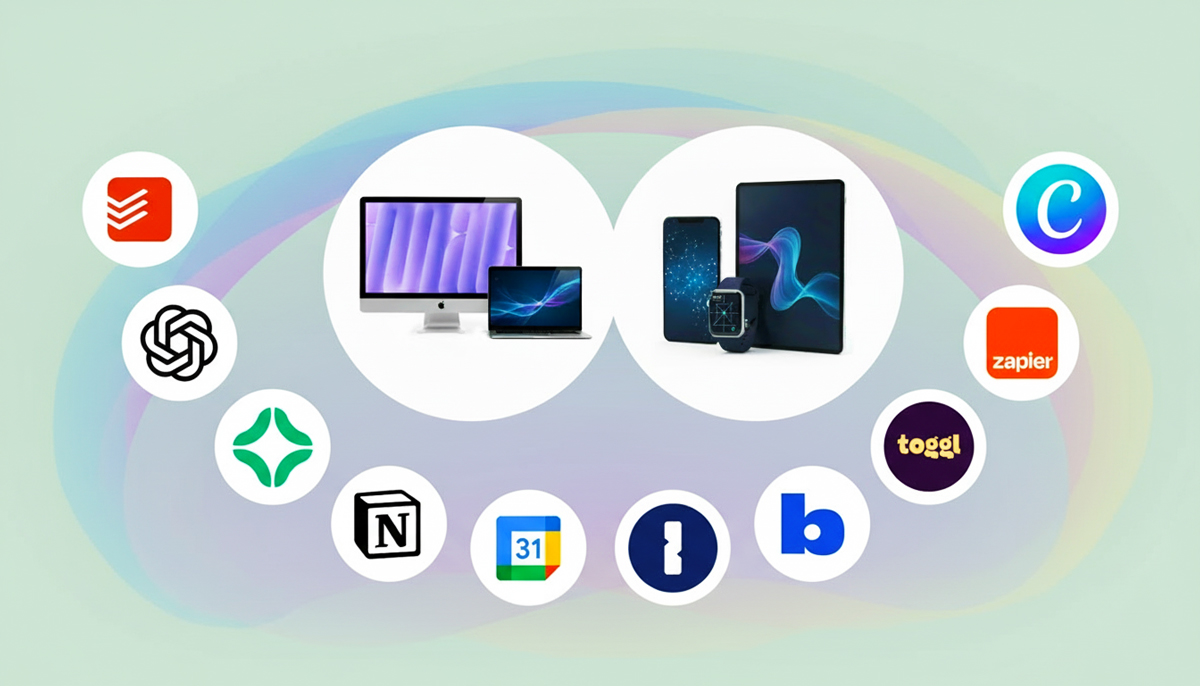

When your phone, laptop, and tablet finally behave like they’re on speaking terms, life gets noticeably smoother. Over the past two years, a quiet revolution has taken hold: apps that once felt stitched together now sync with a kind of polished, almost invisible intelligence. No more refreshing pages, no more hoping your notes show up on your other device, and no more awkward file-juggling gymnastics. Today’s best cross-platform apps don’t just sync your data—they sync your entire workflow. Here’s the state of seamless, verified, real-world syncing as of right now.


Why Seamless Syncing Finally Works
Modern syncing isn’t magic; it’s the result of real technical leaps. End-to-end data structures have become smarter, background processes more efficient, and cross-platform APIs far more consistent. Cloud engines now sync incrementally—sending only what’s changed—making the entire experience faster and less battery-hungry. And with Apple, Google, and Microsoft modernizing their OS-level sync handlers in 2024–2025, apps gained a foundation that simply wasn’t reliable enough before.
In short: developers finally have the tools to make syncing quiet, instant, and correct.
The Apps Getting It Right
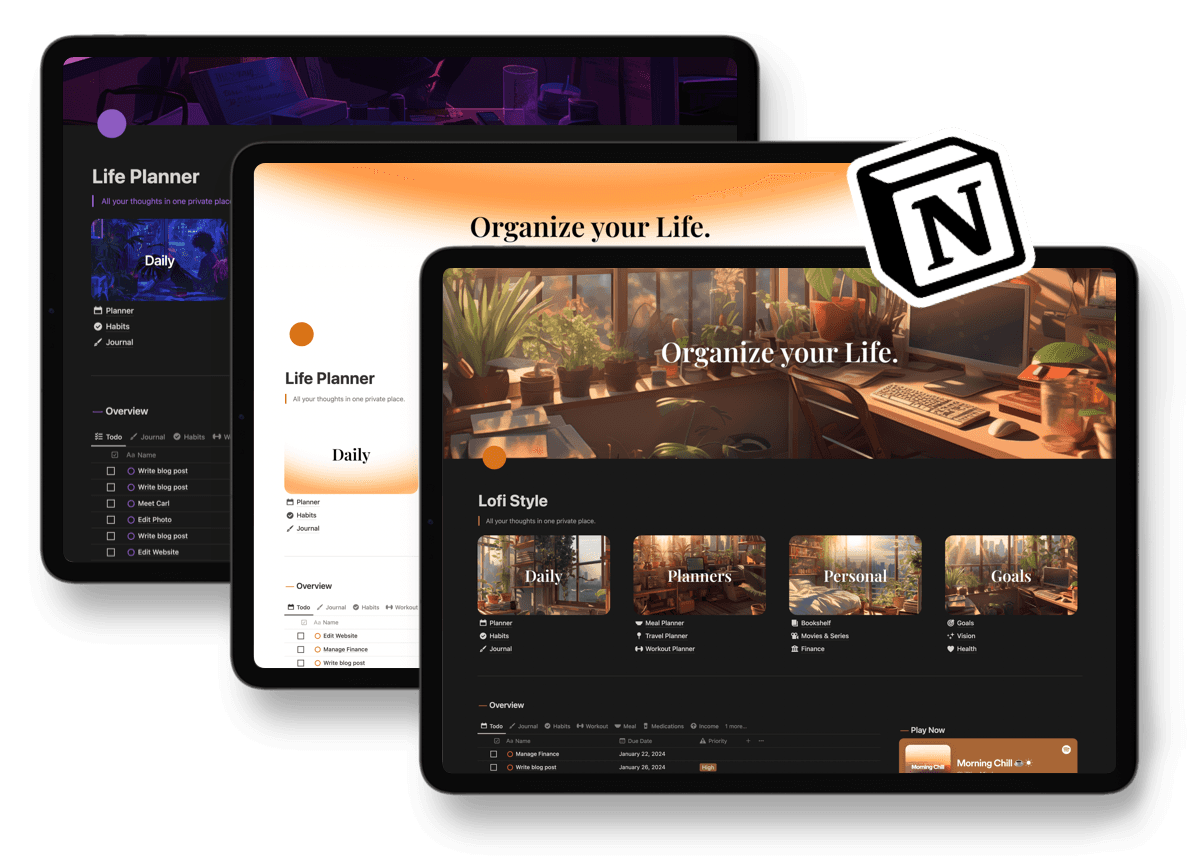
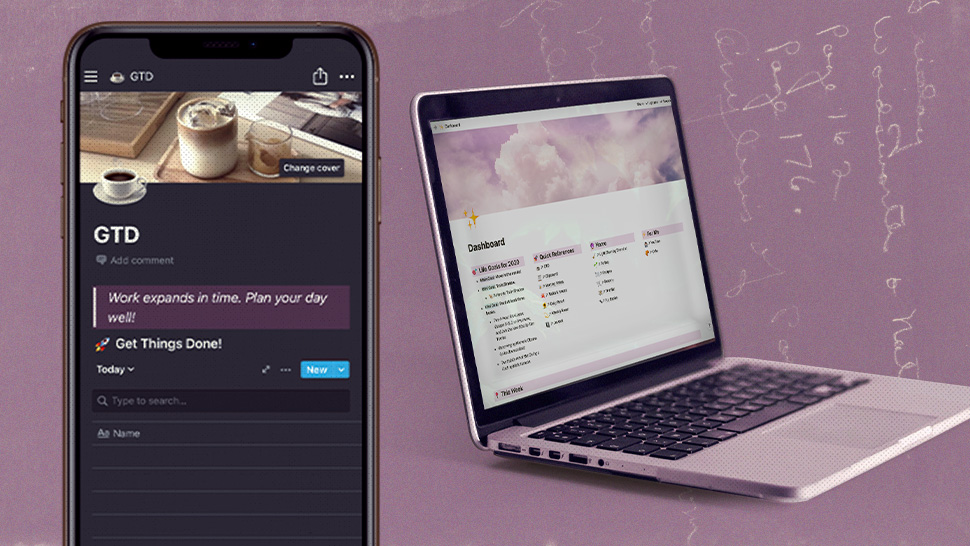
Notion – Unified Workspaces Without Lag
Notion’s sync engine hit stability this year across iOS, Android, macOS, and Windows. Edits appear in under a second, even in large workspaces. Offline mode—long a pain point—is now reliable, queuing changes intelligently until your device reconnects. Teams switching between phones and laptops now experience consistent formatting, shared comments, and identical widget behavior.
Google Keep & Tasks – Lightweight Sync That Just Works
Google’s lighter apps have become the gold standard of “effortlessly fast.” Changes sync nearly instantly, color tags and reminders appear everywhere, and the mobile widgets mirror updates without needing manual refresh. Tasks and reminders now sync cleanly across Gmail, Calendar, iOS apps, and Android devices.
Microsoft OneNote – The Best It Has Been in Years
OneNote’s 2025 refresh brought a new sync core that’s shockingly dependable. Multi-device notebooks update quickly even with embedded images and ink notes. The app now handles conflict resolution gracefully—no bizarre duplicated pages, no corrupted sections. Pen input on tablets syncs nearly as fast as typed text on desktops.
Chrome & Safari Password Managers – Consistent Across Devices
Both companies tightened syncing around vault items, passkeys, and device-to-device encryption. This year’s versions maintain accurate cross-platform behavior, whether you’re signing in on Chrome for Windows, Android, macOS, or iOS—or using Apple’s cross-platform Passwords app on Windows and iPhone.
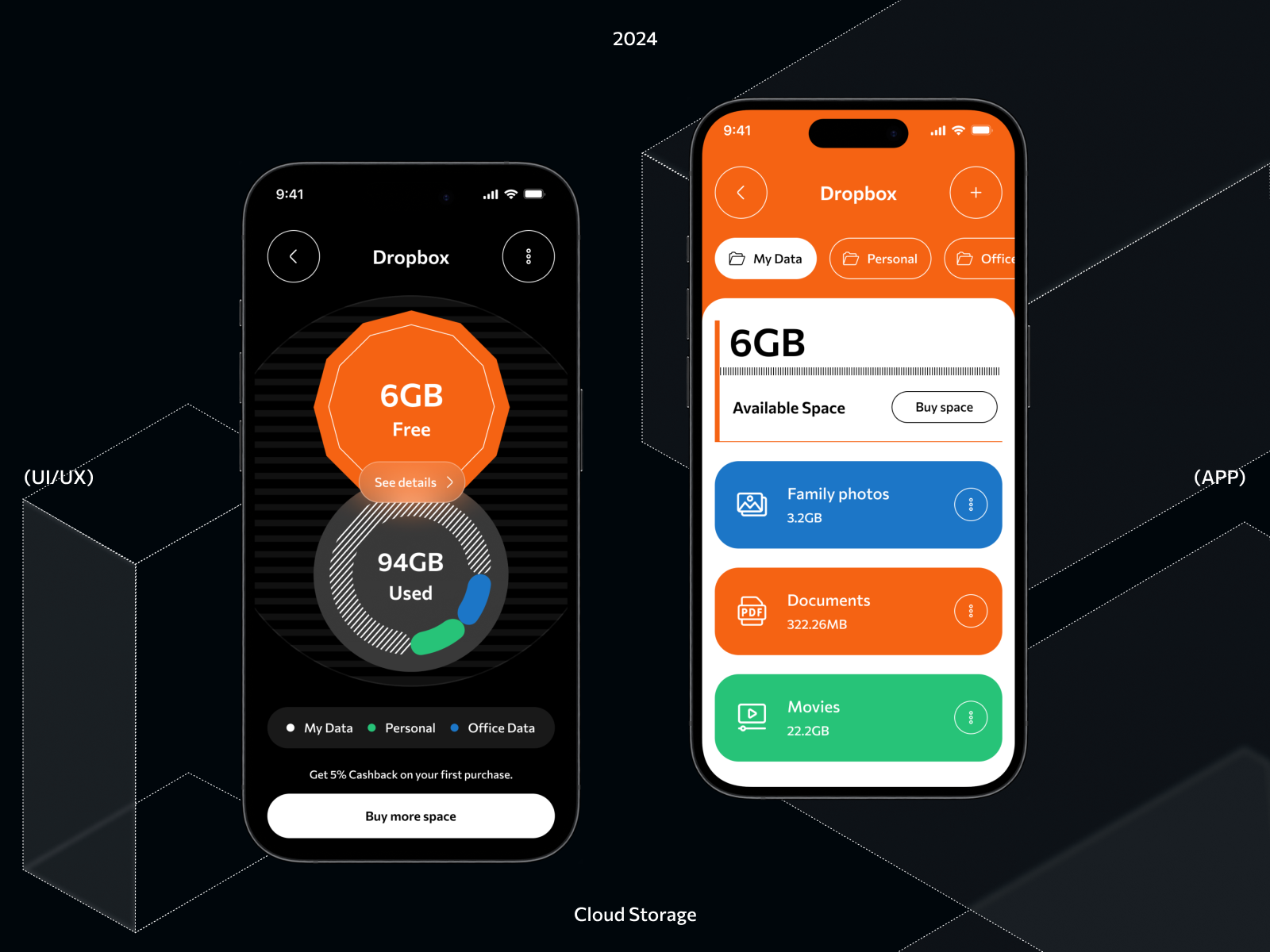
Dropbox & Google Drive – Clean File Syncing with Faster Detection
File syncing isn’t glamorous, but it’s essential. The 2025 updates introduced quicker change detection, reduced upload latency, and fewer indexing errors. Google Drive’s “smart upload queue” and Dropbox’s “local sync boost” noticeably cut down the time between saving a file and seeing it appear on your other device.


Todoist – Tasks That Follow You Everywhere
Todoist’s sync speed is now among the best in any productivity app. State changes—due dates, labels, priorities—sync instantly between platforms. Even large nested projects remain stable, and reminders appear consistently across every device logged into your account.
Spark Mail – Email That Mirrors Perfectly Across Platforms
Spark’s unified inbox syncs read status, pinning, categories, and snoozed messages across all devices. Mail actions taken on one platform feel mirrored instantly on others. In 2025, Spark’s update also stabilized its calendar and shared inbox syncing for teams.
What Makes These Apps Stand Out
These apps excel because they focus on three things:
- Real-time bidirectional syncing
Not “eventually correct”—but correct immediately. - Smarter offline behavior
Edits made without connection queue cleanly and apply in the right order later. - Consistent UI state
Whether you archive an email, move a note, change a due date, or reorder pages, your other devices reflect that exact state—icons, widgets, and all.
Where Syncing Still Struggles
Even in 2025, challenges remain:
- Heavy media files still take time no matter the app.
- Cross-platform live collaboration occasionally lags, especially on mobile networks.
- Some Android OEMs aggressively kill background processes, interrupting sync queues.
- Apps with old architectures often need full rebuilds to support modern syncing.
Still, these rough edges are becoming exceptions rather than the norm.
What to Expect Next
Developers are leaning into:
- Local AI compression to shrink sync payloads
- Predictive syncing, pre-loading content you’re likely to open
- OS-level sync permissions that allow more background activity without draining the battery
And as APIs mature across platforms, the friction between ecosystems continues to dissolve.
Final Byte
Apps no longer compete only on features—they compete on the smoothness of your workflow. The winners in 2025 are those that sync without you noticing: fast, invisible, and flawlessly in step with your devices. When everything just works, productivity stops feeling like a chore and starts feeling… effortless.