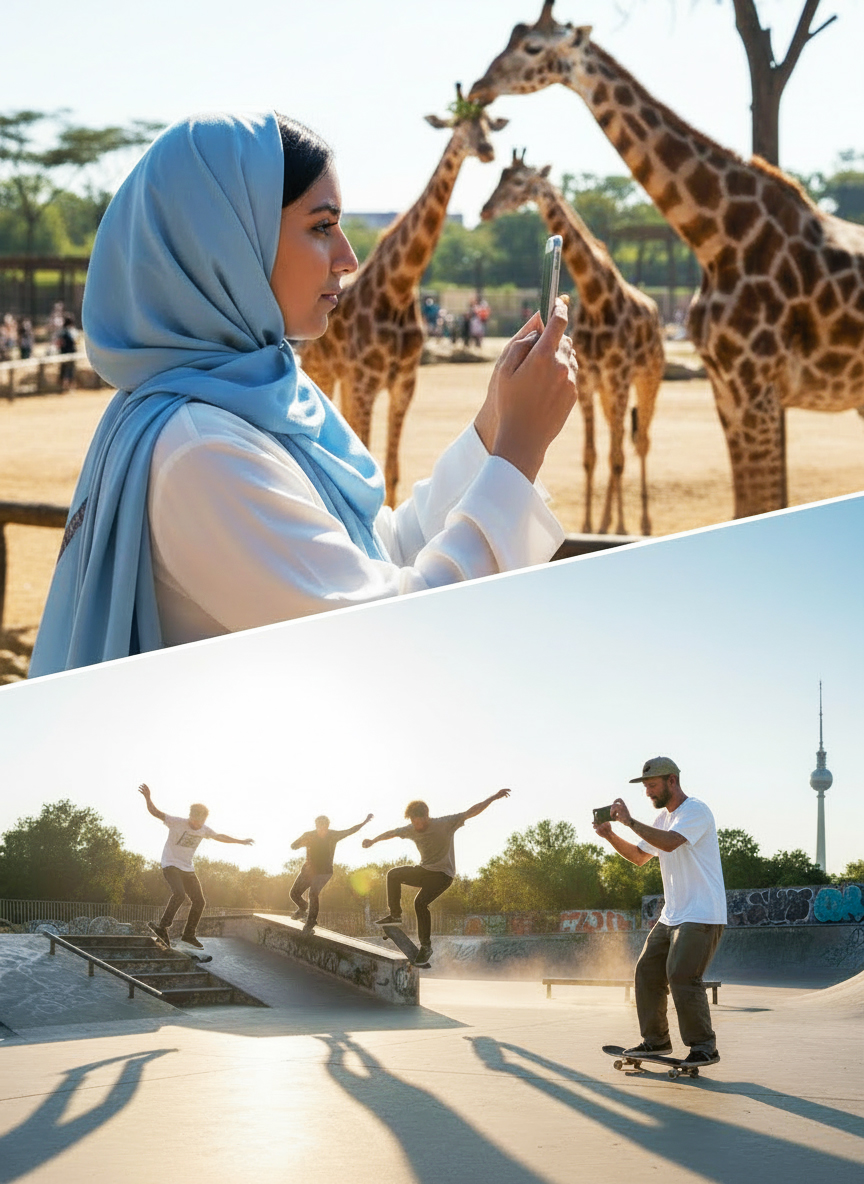

Mobile cameras are so good now that the right editing app can turn everyday shots into scroll-stopping visuals. Whether you’re polishing travel photos, shooting cinematic phone videos, or just trying to level up your social feed, these apps deliver the best balance of power, ease, and creative control on iOS 26 and Android 16.
Photo Editing Apps
Adobe Lightroom Mobile
A powerhouse for anyone who wants pro-level control.
- Full RAW support with deep color and exposure tools
- Advanced features like masking, selective edits, and lens correction
- Cloud presets that sync across devices
- Great for consistent aesthetics and high-volume editing
Snapseed
Still one of the strongest free editors on any platform.
- Curves, white balance, HDR, and professional-grade tuning tools
- Selective editing with precise control
- Healing and perspective correction for fixing tricky shots
- Ideal for fast, powerful edits without paying a dime
VSCO
The go-to for mood, vibes, and film-inspired looks.
- Beautiful presets modeled after real film stocks
- Clean, minimal interface focused on color and tone
- Great for creating a consistent aesthetic for Instagram or travel photography
- Best for creators who value style and simplicity
PicsArt
A creative playground for people who want more than basic edits.
- Collages, stickers, overlays, and blend modes
- Fun effects and artistic filters
- Strong for creative edits, posters, and social content
- Perfect for making visuals that feel bold, fun, or experimental
Video Editing Apps
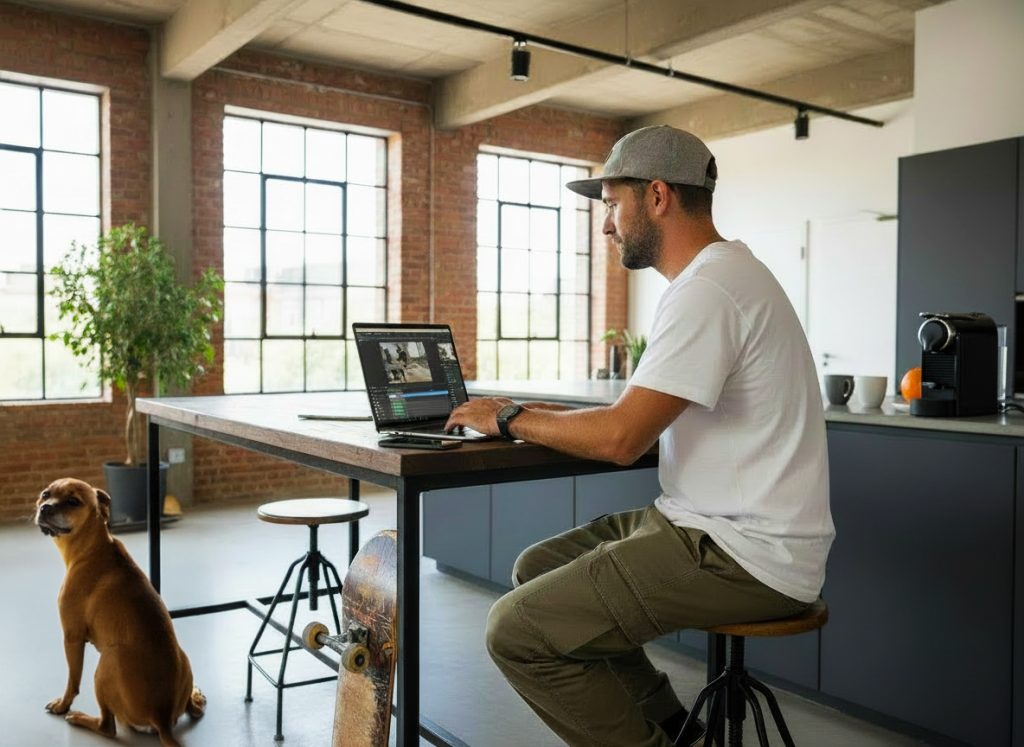
CapCut
The easiest way to make polished video content fast.
- Smart templates, transitions, and auto-captioning
- Strong for TikTok, Reels, YouTube Shorts
- Great color filters, motion effects, and speed controls
- Excellent for beginners and fast-turnaround creators
InShot
A clean, intuitive video editor that’s perfect for compact edits.
- Quick trimming, splitting, and audio syncing
- Text, music, stickers, and smooth transitions
- Aspect-ratio presets for every platform
- Ideal for vloggers or anyone making straightforward social clips
LumaFusion
The closest thing to desktop editing on a phone or tablet.
- Multi-layer timelines with pro-level control
- Keyframing, audio mixing, color correction, LUT support
- Reliable for longer or more complex projects
- Best for mobile filmmakers, YouTubers, and serious creators
Adobe Premiere Rush
A smooth middle ground between simplicity and power.
- Clean timeline-based editing
- Good transitions and titles
- Easy export controls and multi-device sync
- Great if you want something more advanced than InShot but lighter than LumaFusion
What to Use Based on Your Workflow
- For quick fixes & social posts: Snapseed + CapCut
- For a consistent “look”: Lightroom + VSCO
- For creative, stylized visuals: PicsArt + CapCut
- For pro-level mobile editing: Lightroom + LumaFusion
- For vlog-style editing: InShot or Premiere Rush
Final Byte
Creators aren’t defined by the gear they use — they’re defined by how well they use it. Pick the apps that match your style, build a workflow you love, and watch your photos and videos level up fast.