
iOS 26 brought the fireworks. iOS 26.1 brings the finesse. It’s the kind of update that sneaks onto your phone, fixes the things you grumble about, enhances the things you rely on, and lets you feel just a little smug about updating early. No flashy menus, no dramatic redesigns—just meaningful improvements that make the iPhone feel more intentional, more polished, and more “ahh, that’s better.”
A More Polished Interface
The “Liquid Glass” look was bold—but not universally loved. iOS 26.1 steps in with a much-needed grip on visibility and aesthetic control.
- New Clear vs. Tinted UI modes, finally giving users control over transparency
- Improved contrast across Control Center and widgets, reducing visual strain
- Smoother blur gradients that fix the slight “halo” effect from the initial release
- Refined animations in multitasking and app transitions for a cleaner flow
The result? Your phone feels less like a design experiment and more like a refined version of iOS 26’s vision.
Smarter, Less Annoying Gestures
Accidental actions were one of the biggest complaints with iOS 26. Apple clearly heard the chorus.
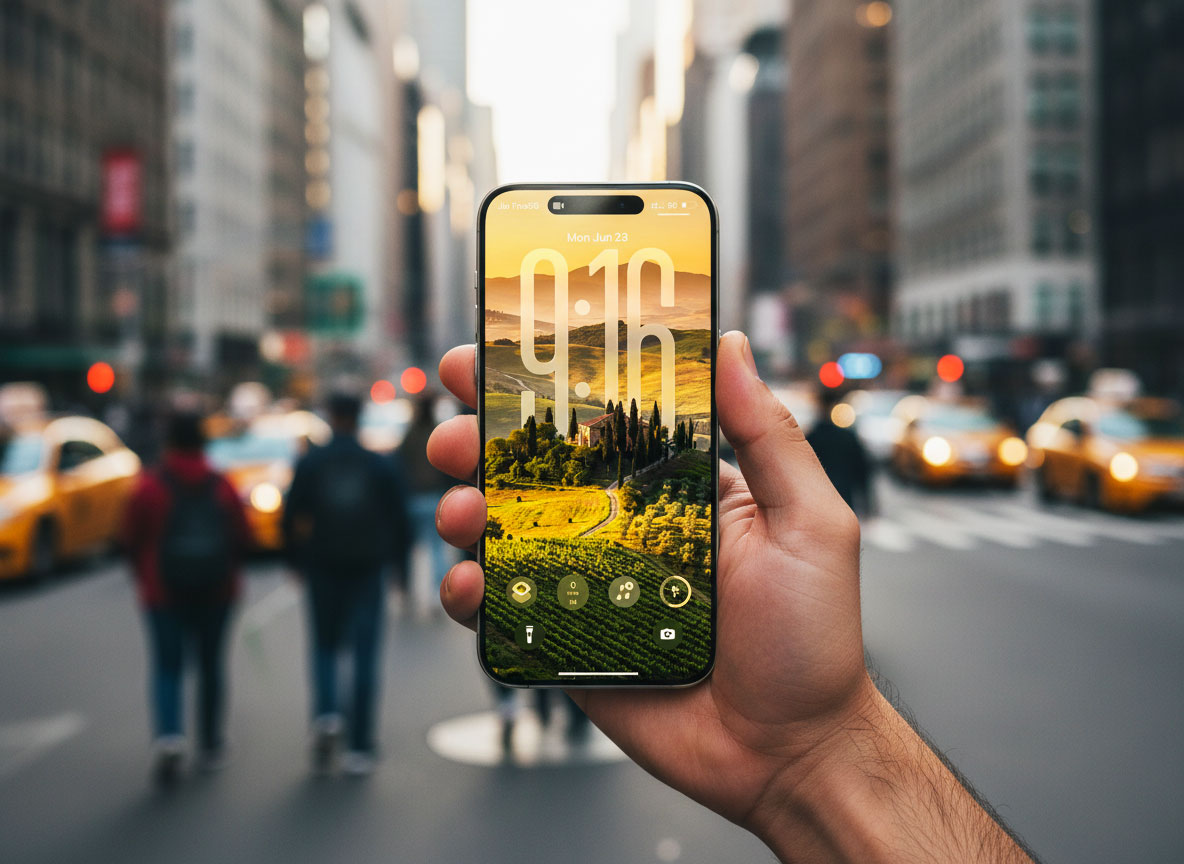
- Disable the lock-screen camera swipe for fewer pocket photos
- Slide-to-stop alarms and timers now require intentional action
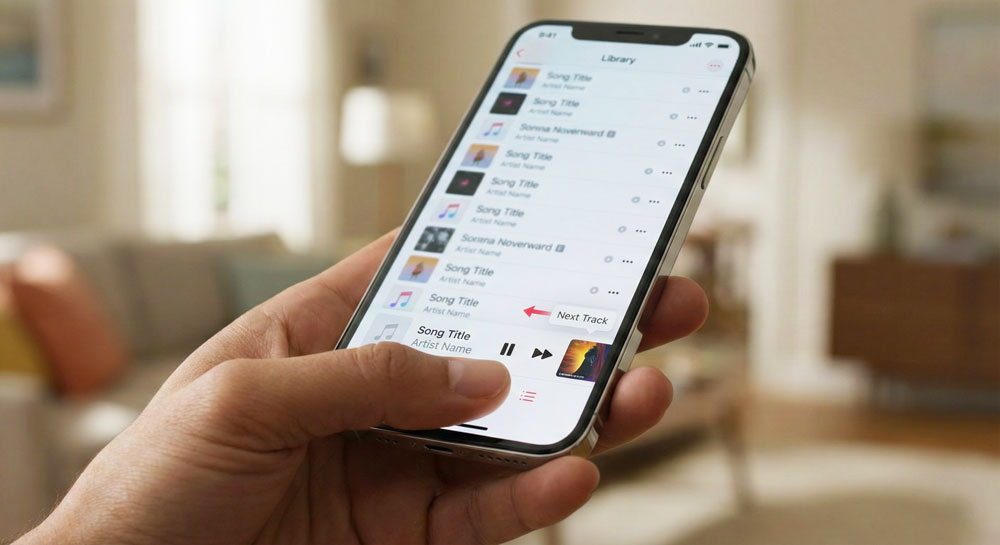
- Swipe gestures in Apple Music’s mini-player let you skip tracks without opening the full app
- More predictable lock-screen behavior when lifting the phone or tapping to wake
These tweaks make the phone feel less chaotic and more responsive to actual intent.
Under-the-Hood Intelligence Upgrades
There’s also a lot happening behind the scenes—quiet improvements that lift the whole experience.
- More Apple Intelligence language support, especially for dictation and tone refinement
- Faster Live Translation using new on-device models
- Better caching and memory handling for apps using generative features
- Leaner background processes that reduce “micro-lag”
You won’t see it listed on a marketing slide, but it’s the kind of invisible upgrade that makes day-to-day use smoother.
Everyday Enhancements You’ll Actually Notice
These are the tweaks that make iOS 26.1 feel like a thoughtful update rather than a patch.
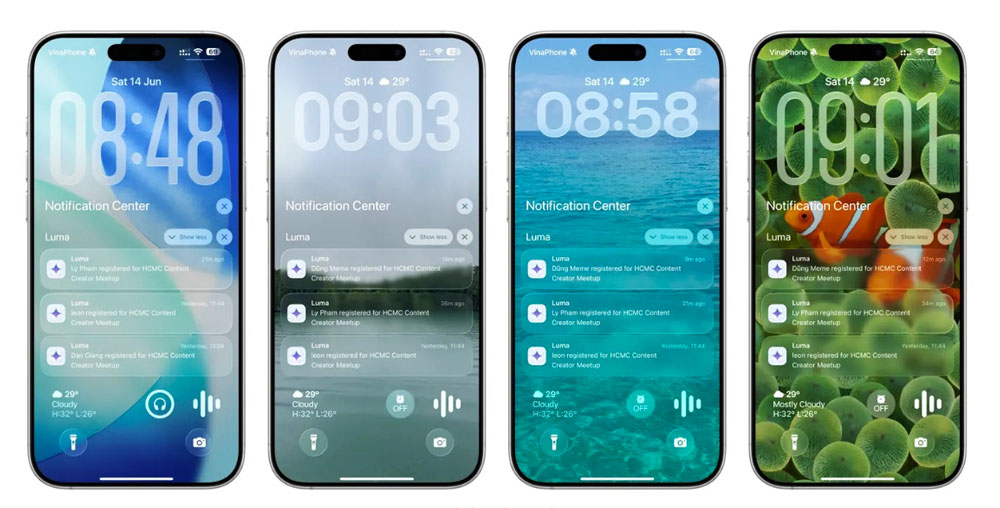
- Notifications now stack more intelligently and appear with clearer hierarchy
- Subtle haptic shifts make navigation feel more tactile and grounded
- Less battery drain for devices that struggled with 26.0 indexing
- More reliable handoff between AirPods, Mac, and iPad when switching tasks
- Carrier and connectivity stability improvements, especially for 5G transitions
Each improvement is tiny—but they add up fast.
Accessibility and Personalization Gains
iOS 26.1 expands Apple’s focus on customization and inclusivity.
- Enhanced Dynamic Type scaling in more system apps
- Stronger color-blind and contrast modes across new UI elements
- New toggle options for motion effects, transparency, and system blur
- Additional Siri voices tied to localized languages introduced in 26.1
It’s subtle, but it gives more users the ability to make iOS theirs.
Final Byte
iOS 26.1 isn’t aiming to dazzle—it’s aiming to elevate. It tightens the interface, sharpens the gestures, boosts performance, and cleverly upgrades intelligence in the background. It’s the kind of update that feels invisible at first… until you realize your iPhone is suddenly calmer, smoother, and just unmistakably better.