
iOS 26.1 brought a wave of subtle-but-powerful camera upgrades that instantly give your iPhone more professional polish. Between smarter exposure controls, cleaner processing, and new editing tools, the update quietly elevates everyday photography. Here’s how to take full advantage of everything it unlocked.
Master Your Camera Controls
iOS 26.1 didn’t overhaul the Camera app — it refined it in ways photographers instantly appreciate.
- Live Exposure Dial now rotates like a physical wheel, giving precise quarter-stop adjustments without the jittery finger drag we all endured before. Perfect for balancing tricky light or creating mood intentionally.
- Enhanced AE/AF Lock Stability Indicator turns from yellow to blue when the phone detects physical stability, helping you avoid subtle focus jumps if your hand shifts or if someone steps into the frame.
- Grid & Level 2.0 includes a dynamic horizon line that shifts in real time and turns green when perfectly aligned, making architecture shots look cleaner and more intentional.
- Refined optical zoom pipeline processes 2x and 3x shots with improved texture mapping, especially noticeable in low light where noise used to creep in.
- Smarter Burst Mode Sorting groups frames based on motion pattern and face clarity, so scrolling through 40 near-identical shots is now far faster and less chaotic.
Shoot Like a Pro
Apple’s computational photography engine got a noticeable boost in 26.1 — especially in daylight and mixed lighting.
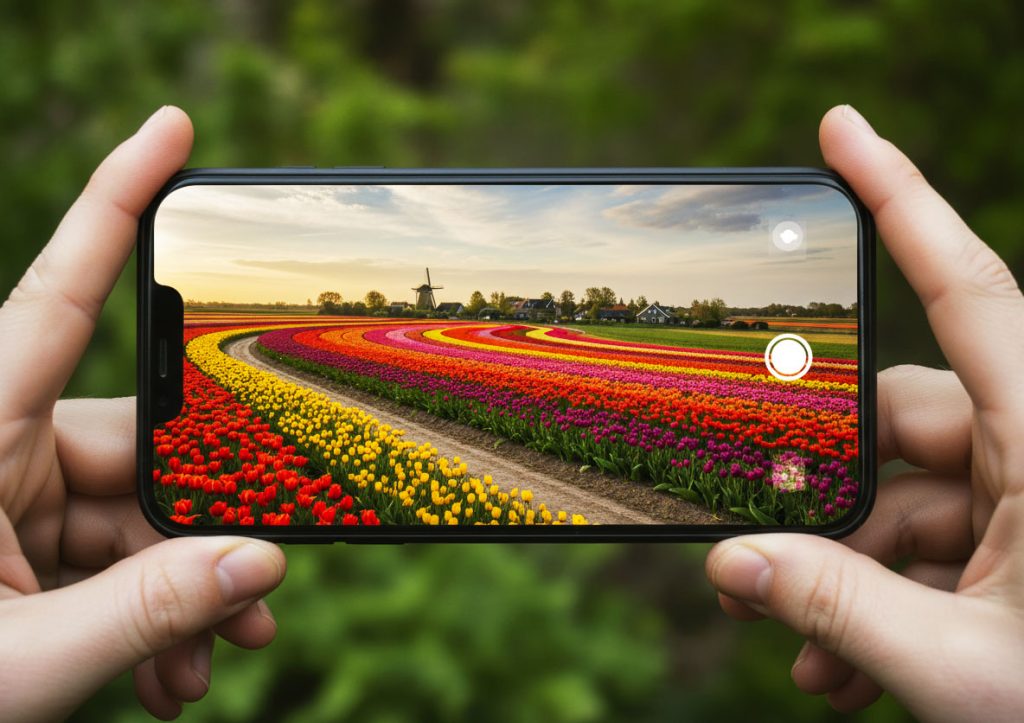
- Auto Highlight Protection analyzes bright areas like skies, reflections, or white clothing and uses multi-frame blending to preserve detail, reducing blown-out patches without making the image look dull.
- Scene Detection 3.0 recognizes more textures — fur, metal, neon, car paint, fog — and automatically adapts color warmth and contrast for more true-to-life results. No more metallic-looking pets or oversaturated sunsets.
- Portrait Mode Edge Engine 2.0 handles flyaway hair, beard texture, and transparent objects (glasses, water bottles) more cleanly, reducing the ghosting that older versions struggled with.
- Ultra-Wide Distortion Control improves corner sharpness and geometry, making interiors and sweeping landscapes look less warped while keeping the dramatic perspective.
- Adaptive HDR Tone Mapping brings more accurate skin tones under mixed lighting (window light + indoor bulbs), reducing the orange/green tint that used to appear in these conditions.
Composition Secrets Pros Don’t Skip
Composition hasn’t changed, but iOS 26.1 helps reinforce good technique with better rendering and alignment aids.
- Low-angle shots benefit from the updated stabilization engine, which now compensates for micro-tilts when the phone is close to the ground, resulting in sharper foreground elements like plants or pavement texture.
- Fill-the-frame portraits get local contrast enhancement, subtly boosting detail around eyes, hair, and clothing while keeping the background soft.
- Leading lines such as roads or hallways stay crisper along the edges thanks to improved wide-angle edge correction.
- Negative-space compositions render smoother gradient transitions in sky and wall backgrounds, making minimalist shots feel more polished and professional.
- Symmetry compositions are easier with the upgraded horizon and alignment guide, which reacts faster and becomes more visible in bright light.
Make Lighting Your Superpower
The update brought meaningful low-light and mixed-light improvements — subtle but instantly noticeable.
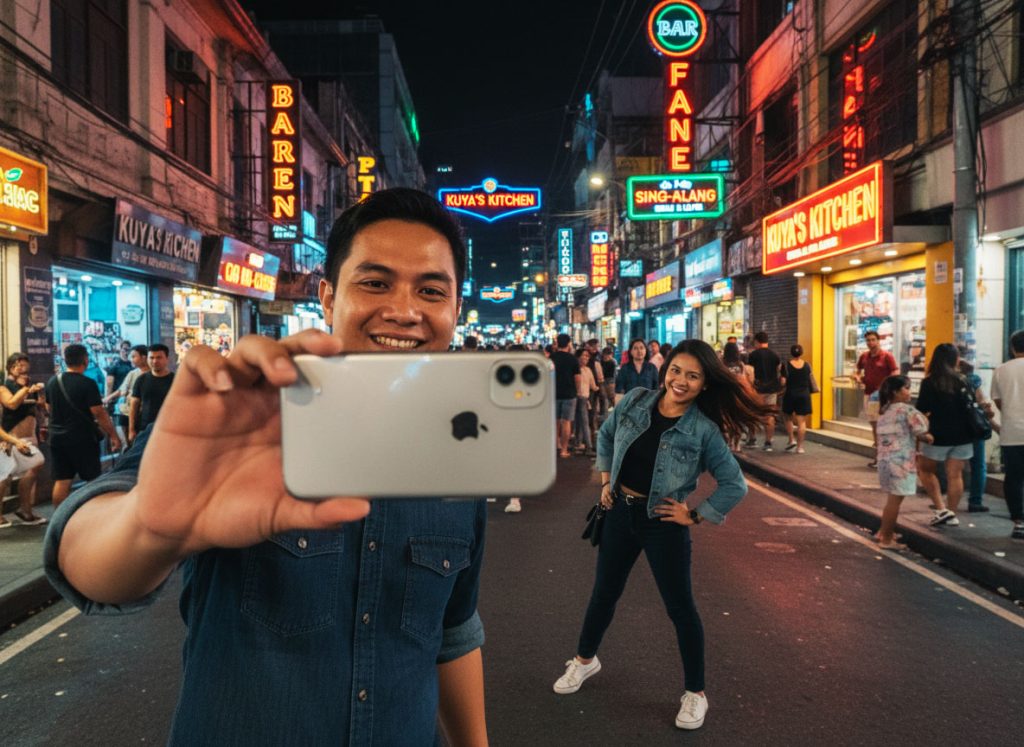
- Night Mode 2.5 uses a new motion-compensation layer to reduce blur from small hand movements, allowing longer exposures without tripod-level stability. Stars, city lights, and fine textures stay intact.
- Ambient Light Sense constantly adjusts white balance in real time as lighting shifts (walking past a neon sign, moving from shade to sunlight), so your images don’t swing wildly between warm and cool tones.
- Flash Brightness Auto-Trim analyzes distance to your subject and automatically reduces power to avoid harsh hotspots or shiny skin — especially helpful for indoor group photos.
- Backlit scenarios benefit from smarter shadow recovery that lifts dark areas without creating grain or muddy textures.
- Artificial lighting photos (LEDs, storefront lights, indoor lamps) now handle color fringing and banding much better, giving your photos a cleaner look with less editing required.
Editing Tricks Pros Always Use
Photos in iOS 26.1 got one of its biggest single-version improvements in years — small upgrades with major payoff.
- Precision Slider for Shadows & Highlights lets you fine-tune micro-adjustments, helping recover blown-out areas without flattening contrast or introducing halos.
- Color Balance AI studies the whole scene and automatically neutralizes weird tints from mixed lighting, especially in restaurants or indoor spaces with heavy color casts.
- Selective Sharpen & Soften Tools finally let you refine specific areas (eyes, texture, skin) without affecting the entire image — something photographers used to rely on third-party apps for.
- Updated Perspective & Straighten Tool recognizes architectural lines and applies smart suggestions that correct both vertical and horizontal distortion, ideal for travel and interior photography.
- Batch Editing Presets let you apply the same color edits, curves, and tones to entire albums, creating instant consistency for travel sets or social feeds.
Final Byte
iOS 26.1 subtly rewired the iPhone’s photography pipeline to feel more intentional and more capable in any lighting. These new tools let you shoot faster, edit smarter, and capture detail you’d normally lose. With a few pro habits layered on top, your everyday photos start looking shockingly polished — the kind you’d expect from a dedicated camera. The more you experiment, the more your iPhone rewards you.