
Android is packed with quiet superpowers — the kind that don’t shout from the home screen but quietly shave minutes off your day. Whether you’re juggling travel plans, work messages, or just trying to stay organized without losing your mind (we’ve all been there), these built-in features can make your phone feel a whole lot smarter.
Before diving into the bullet points, here’s a clearer sense of what makes these features special: they’re not flashy gimmicks. They’re genuinely helpful shortcuts designed to automate tasks, reduce steps, and keep your digital life running smoothly with less tapping and swiping. Think of them as Android’s thoughtful little assists.
Smart Text Selection & Quick Actions
This often-overlooked tool instantly identifies addresses, dates, phone numbers, and more — and gives you context actions without extra apps.
- Tap-and-hold text to trigger smart actions like “Call,” “Navigate,” or “Add to Calendar.”
- Use it to copy verification codes quickly from messages.
- Works across most apps, not just Google products.
Nearby Share for Frictionless File Transfers
This is Android’s quiet answer to fast file sharing without cables or uploading.
- Send photos, links, or files instantly to nearby Android or Chromebook devices.
- Works even without Wi-Fi by creating a direct local connection.
- Great for sharing travel photos or documents with friends on the go.
One-Handed Mode for Bigger Screens
Large displays are great — until you’re trying to reach the top corner with one thumb while carrying groceries.

- Pull the screen down for easier reachability with a quick gesture.
- Customize activation in Settings to avoid accidental triggers.
- Perfect for large-screen phones and foldables.
App Pairs & Split Screen
Multitasking doesn’t have to feel messy. Android lets you run two apps side by side cleanly.
- Pair apps you frequently use together—like Maps + Messages.
- Drag and drop content between supported apps.
- Ideal for travel planning, research, or comparing info quickly.
Digital Wellbeing Shortcuts
These subtle nudges help you maintain better balance without strict rules.
- Set app timers to curb endless scrolling.
- Use Bedtime Mode to fade the screen to grayscale and silence alerts.
- Focus Mode hides distracting apps when you need to lock in.
Live Caption Anywhere
When you can’t use sound — or don’t want to — this tool becomes a lifesaver.

- Auto-generates captions for any audio or video playing on your device.
- Works without internet, ideal for flights or quiet spaces.
- Helpful for accessibility or catching dialogue you missed.
Smart Lock for Smooth Unlocking
Skip the constant PIN typing while keeping your device secure.
- Keep your phone unlocked at home with trusted locations.
- Use on-body detection to stay unlocked while you’re carrying it.
- Seamlessly connect to trusted devices like your smartwatch.
Notification History
We’ve all swiped something away a little too fast — Android quietly saves you from yourself.
- See dismissed alerts from the past 24 hours.
- Restore important notifications you accidentally cleared.
- A real lifesaver for time-sensitive reminders.
Enhanced Clipboard with Gboard
Your keyboard is doing more behind the scenes than you think.
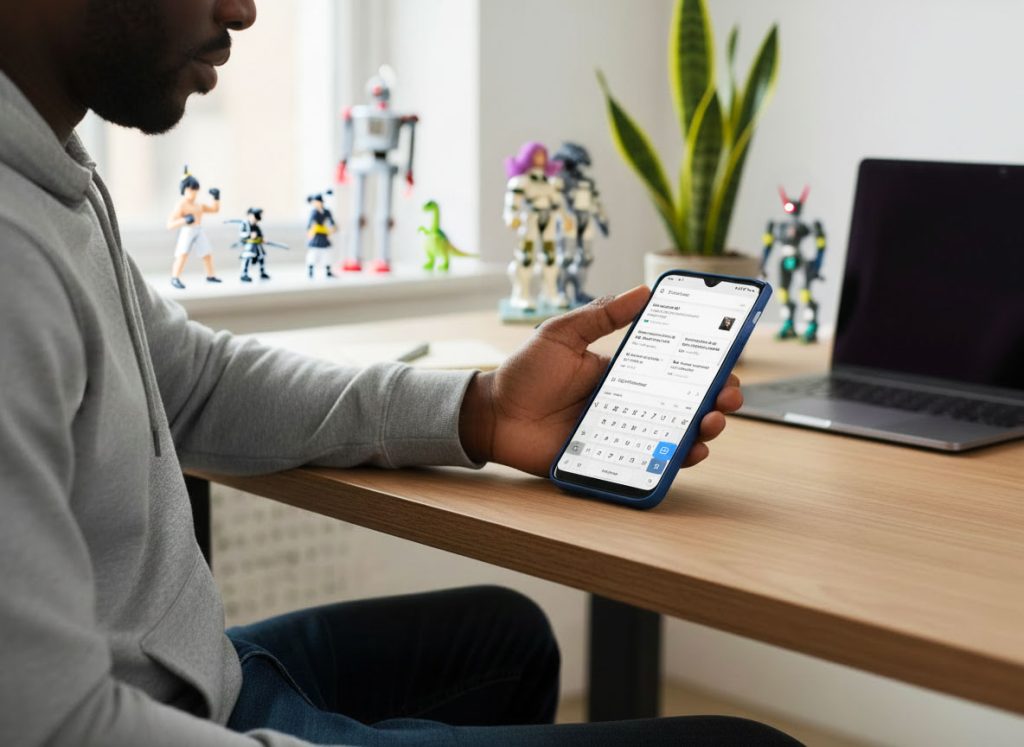
- Access your clipboard history with a single tap.
- Pin frequent snippets like emails or addresses.
- Paste images and rich text across apps more easily.
Gesture Navigation Tweaks
It’s more customizable than it looks at first glance.
- Adjust gesture sensitivity to avoid accidental swipes.
- Use quick-switch gestures to bounce between recent apps.
- Turn off certain gestures entirely if they get in your way.
Final Byte
The best Android tricks aren’t hidden to confuse you — they’re tucked away to keep your experience clean and flexible. Once you know where to look, your phone starts working with you instead of slowing you down. Try unlocking one or two of these shortcuts today, and you might wonder how you ever lived without them.